Windows 11 to Tell Apps If You're a Child or Adult, Without Sharing Your Birthday
Microsoft's new age-awareness APIs return age bands rather than exact dates, and pair with a verify-once system tied to your Microsoft account.
Key points
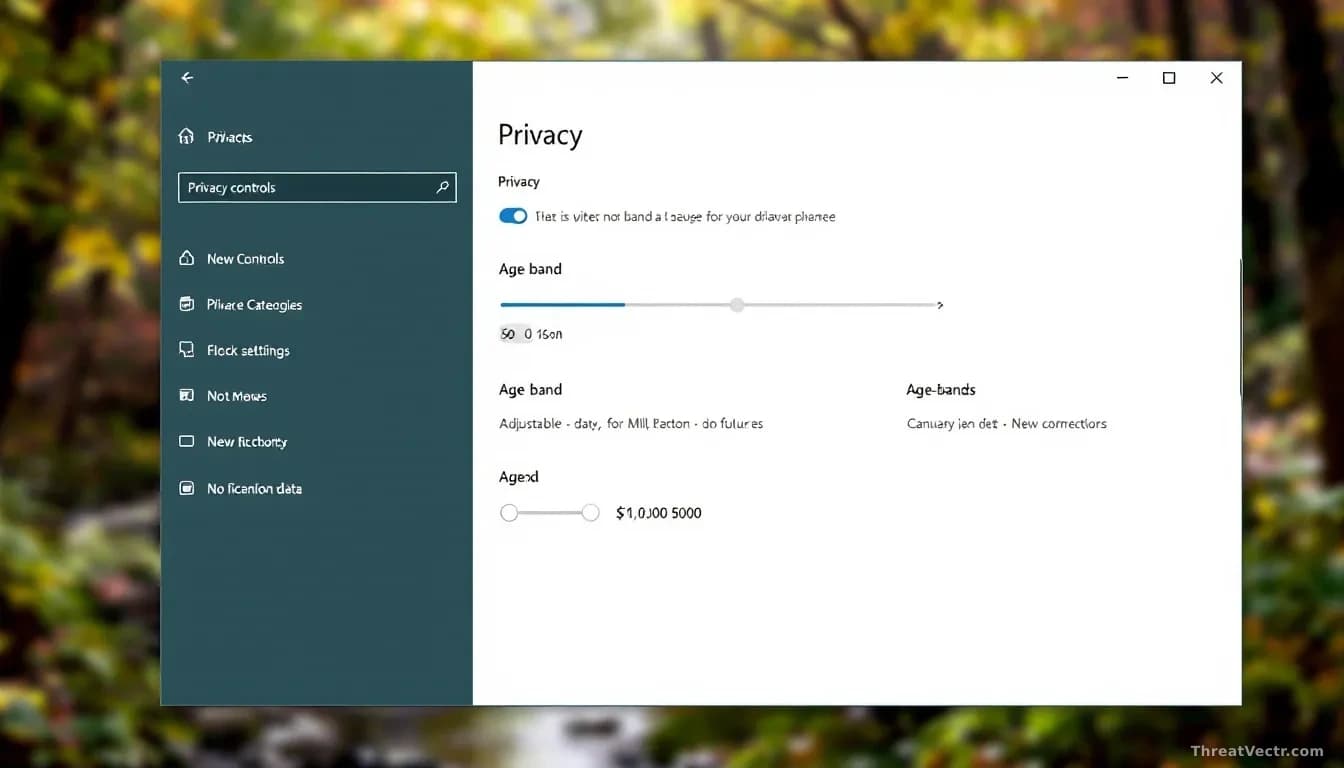
- Microsoft is adding age-awareness APIs to Windows 11 that return broad age bands (under 10, 10-12, 13-15, 16-17, 18+) instead of a user's date of birth.
- The Windows Age APIs are available to Windows Insiders now and will roll out to all Windows users soon.
- A companion system, Microsoft Age Verification (MAV), stores a verified age status on a user's Microsoft account so apps don't have to keep asking.
- Age verification is already live through Microsoft storefronts in Singapore, Brazil and Australia, with more regions to follow.
- The company is also making parental controls more visible during Windows setup, starting in regions including France.
Microsoft is building a new way for Windows 11 apps to tell whether the person using them is a child or an adult, without handing over the user's exact birthday.
The feature, first reported by BleepingComputer, is called the Windows Age API. An API, or application programming interface, is simply the plumbing that lets one piece of software ask another for information.
In this case, that information is an age band. An app can ask Windows whether the signed-in user is under 10, between 10 and 12, 13 and 15, 16 and 17, or 18 and over. It doesn't receive the full date of birth.
"Apps receive only the age-related signal needed for the experience and not sensitive personal data such as full date of birth," Microsoft said in its developer note.
What is actually changing on your PC?
Windows will start offering apps a quick, low-detail answer to the question of how old the current user is. Developers get two calls: one that returns the age band, and one that says whether the age has actually been verified or just self-declared.
The two calls are named GetUserAgeRangeAsync and GetAgeVerificationStatusAsync. That second one matters. Most current online age checks amount to a birthday box anyone can lie in. This API lets an app know the difference between a guess and a checked answer.
Microsoft says the same signal will feed into AI features too, so tools can dial back what they show a younger user without a parent configuring every app individually.
This follows our 26 August story on Microsoft testing per-app camera and microphone consent prompts in Windows 11, a pattern of the company pushing privacy controls down into the OS itself rather than leaving them to developers.
Do you have to prove your age every time?
No. Microsoft is pairing the APIs with a system called Microsoft Age Verification, or MAV, which stores a verified age status against your Microsoft account.
"Verify once, use everywhere," is how the company puts it. Apps then read that stored status through the Windows Age APIs rather than pushing you through another ID check.
Age verification through Microsoft's storefronts is already available in Singapore, Brazil and Australia. More regions will follow as local laws demand it, including online safety rules in the UK, the EU's Digital Services Act, and Australia's incoming restrictions on under-16s using social media. We covered the pressure on platforms operating in Australia most recently in our 22 August report on Roblox's regulatory agreement with the country's online safety watchdog.
| Feature | What it does | Status |
|---|---|---|
| Windows Age API | Returns age band, not birthday | Windows Insiders now, general rollout soon |
| GetAgeVerificationStatusAsync | Tells app if age was actually verified | Available with the API |
| Microsoft Age Verification (MAV) | Stores verified age on Microsoft account | Live in Singapore, Brazil, Australia |
| Parental controls in setup | More visible during Windows install | Rolling out, starting with France |
Should users be worried about privacy?
On paper, sharing a band instead of a date is a privacy improvement. An app that only needs to know if you're an adult no longer has any excuse to ask for your birth year and month.
The caveat is what sits behind the band. To hand out a verified 18+ signal, Microsoft or a partner has to have checked something: a government ID, a payment card, or a face-age estimate. That data lives somewhere, and it's worth asking where, for how long, and under whose jurisdiction. In the EU that's the relevant national data protection authority under GDPR; in the UK, the Information Commissioner's Office; in Australia, the OAIC.
The real test will be how developers use the self-declared flag versus the verified one. If apps treat both signals as equivalent, the privacy architecture is sound and the child-safety benefit is not.
What affected users should do
If you use a Microsoft account, check your privacy dashboard at account.microsoft.com and review what age or ID information is on file once MAV reaches your region. Parents setting up a new Windows 11 PC for a child should walk through the family setup screens rather than skipping them, since those are the screens Microsoft is now making harder to miss.
Developers should treat the verified-age flag as the one that matters. A self-declared band is only as honest as the user filling it in.