Microsoft Teams gets a new switch that kicks uninvited bots out of meetings
Admins can now auto-block external bots from joining Teams calls, closing a quiet side door that attackers have been probing.
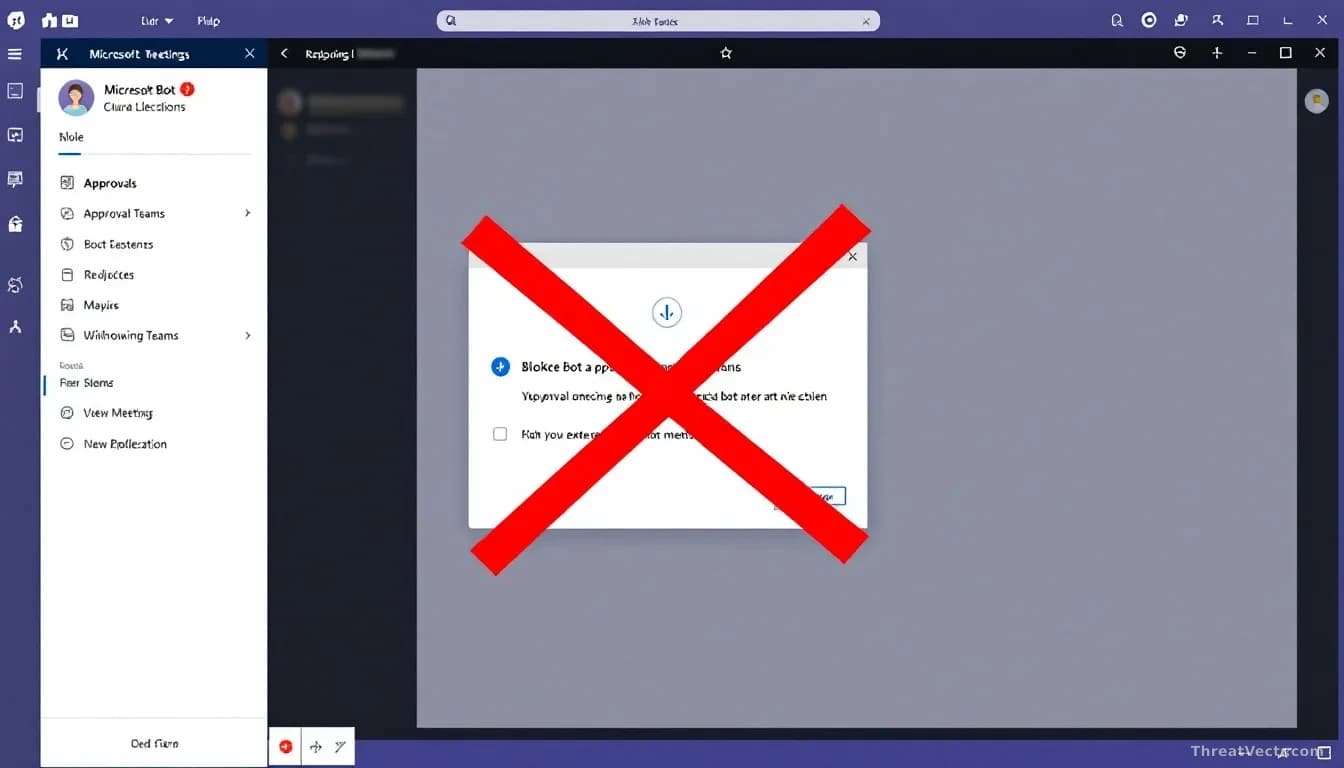
Key points
- Microsoft is adding a Teams policy that automatically blocks detected external bots from joining meetings, with rollout finishing worldwide by late September.
- The setting lives under "Manage bots" in the Teams admin centre, is off by default, and must be turned on and assigned to users or groups.
- It builds on a June change that put unknown bots in the lobby and required organiser approval.
- Microsoft warned in April that attackers are increasingly abusing Teams to pose as IT staff and trick employees into handing over remote access.
Microsoft is rolling out a Teams setting that lets administrators automatically block external bots, meaning automated software accounts run from outside the company, from joining meetings. First reported by BleepingComputer, the change is a small but meaningful tightening of who, or what, can sit silently on a call.
Bots join Teams meetings for plenty of harmless reasons. Note-taking assistants and scheduling helpers appear as ordinary participants. The problem is that a malicious app dressed up the same way can join too.
What is actually changing?
Admins get a new toggle. Once switched on, Teams will refuse entry to any external bot it identifies, without waiting for the organiser to approve or reject it in the lobby.
Until June, the strongest option was to force detected bots into the lobby and require the organiser to admit them. That still relied on a human noticing and making the right call. The new policy removes that decision from the meeting entirely.
The control sits in the "Manage bots" meeting protection settings in the Teams admin centre. It's off by default. Microsoft says a targeted release runs until the end of August, with general availability by late September.
Timeline at a glance
| Date | Change |
|---|---|
| April 2025 | Microsoft warns of rising Teams abuse by attackers posing as IT staff |
| June 2025 | Detected bots sent to lobby, organiser approval required |
| End of August 2026 | Targeted release of auto-block policy |
| Late September 2026 | General availability worldwide |
Why does this matter beyond IT teams?
Teams has become one of the routes attackers use to reach staff. In April, Microsoft flagged a surge in campaigns where criminals impersonate IT or helpdesk workers over cross-tenant chats, meaning messages sent from one company's Microsoft account into another's, then talk employees into granting remote access.
Groups tracked as Storm-1811, with tooling that overlaps with the Black Basta ransomware crew, have been among the most active. Our 21 August story "SynkLoader: The Fake IT Help Desk Trick Hiding Behind a Phony Windows Lock Screen" detailed exactly how that playbook lands on a victim's machine. Sophos and others have reported similar activity clusters, so single-vendor attribution here should be read with medium confidence.
A rogue bot in a meeting is a different flavour of the same problem. It can transcribe a confidential call or sit as a plausible-looking participant while a social engineering conversation plays out. Blocking it at the door is cheaper than spotting it later.
Should you worry about legitimate bots breaking?
Yes, briefly. Because the policy can be scoped to specific users or groups, Microsoft expects organisations to trial it before flipping it on company-wide. Legitimate note-taking and transcription bots will need to be identified and, once Microsoft ships the promised allow-list feature, added to it.
More controls are coming: allow lists for approved bots, admin reports on bot detection, and audit logs showing which bots tried to join which meetings. Those are the pieces defenders will want for post-incident investigations.
For everyone else the habit is simple. If someone you didn't invite appears in a Teams meeting you're running, ask who they are before you keep talking. It costs nothing and closes most of the gap this policy is trying to shut.