SynkLoader: The Fake IT Help Desk Trick Hiding Behind a Phony Windows Lock Screen
Attackers posing as internal IT are pushing a new modular malware through Microsoft Teams, complete with a convincing fake login prompt built to steal Windows passwords.
Key points
- Researchers at Expel identified a new malware family called SynkLoader, first compiled around 28 July 2026, spread through Microsoft Teams messages that impersonate a company's IT help desk.
- Victims are tricked into installing a fake "PowerShell Cleaner" MSI file hosted on Microsoft Azure, which unpacks a Python-based toolkit with seven separate modules.
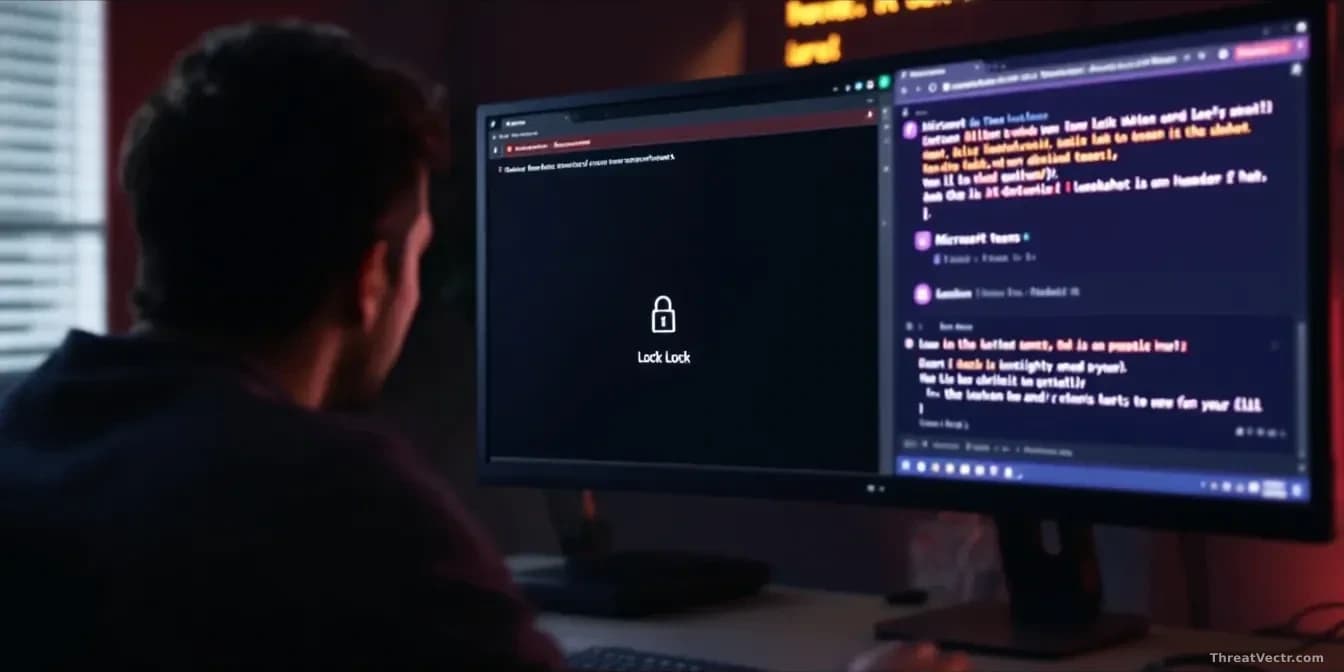
- One module, PhishLocker, throws up a fake Windows 11 lock screen to steal the user's real login password.
- Another module counts the machines in the company's Active Directory, suggesting the crew behind it is scoping targets for ransomware.
- Pressing Alt+Tab exposes the lock screen as a fraud, because it's just a borderless window sitting on top of the desktop.
A new strain of malware is spreading through Microsoft Teams messages, and the trick is uncomfortably simple: the attackers pretend to be your own IT department.
The campaign was documented by security firm Expel and first reported by BleepingComputer. Researcher Marcus Hutchins says the criminals message employees on Teams, claim to be internal support, and walk the victim through installing what looks like a routine cleanup tool. That tool is malware. Expel has named it SynkLoader.
How does the attack actually start?
It starts with a Teams message from someone claiming to be IT. The victim is told to install a "PowerShell Cleaner" file, an MSI installer (the standard Windows format for installing software) hosted on Microsoft Azure. Because Azure is Microsoft's own cloud, the download link looks trustworthy.
Once run, the installer drops a PowerShell script called cleaner.ps1 and a ZIP archive containing a full Python setup, a malicious Python script, and several fake Microsoft system files designed to blend in. Compile timestamps in the samples point to first distribution around 28 July 2026. We covered a very similar playbook on 30 July 2026, when STAC4749 was using fake Teams helpdesk calls to deploy Chaos ransomware in under 17 hours.
What can SynkLoader do once it is inside?
Quite a lot. Expel set up a honeypot, a fake computer designed to attract attackers, and watched the crew push down seven distinct modules depending on what they found on the machine.
| Module | What it does |
|---|---|
| System Profiler | Collects hostname, username, privileges, and Active Directory size |
| Persistence | Creates a scheduled task that runs at logon and daily at 10 a.m. |
| PhishLocker | Shows a fake Windows lock screen to steal the login password |
| TrafficRedirector | Opens a reverse proxy into the internal network |
| Interactive Shell | Lets attackers run PowerShell commands remotely |
| StreamMaster | Streams the desktop and takes over mouse and keyboard |
| Module Status | Reports which components are running |
The name SynkLoader comes from its unusual mix of programming languages. A single module can blend Python, PowerShell, C#, and C++, which makes analysis slower.
Why does the fake lock screen matter?
Because it hands the attackers your real Windows password. The PhishLocker module displays a convincing Windows 11 login prompt at a moment when locking your screen feels normal. You type your password, and the malware captures it.
With a valid password plus the tunneling module, the attackers can log into corporate systems from the infected computer, sidestepping rules that only allow logins from known office IP addresses.
There's a giveaway, though. The fake lock screen is just a full-screen window sitting on top of everything else. Press Alt+Tab and you'll see your other open applications poking through. A real Windows lock screen won't do that. Ctrl+Alt+Delete is another quick sanity check.
Is this heading towards ransomware?
Probably. Hutchins notes that SynkLoader spends real effort measuring the size of a company's Active Directory, the directory that lists every user and computer on the network. That kind of scoping is how ransomware crews decide whether a victim is worth the effort.
During the honeypot session, Expel emulated the reverse shell so the attackers would think they had a live target. "The threat actor attempted to run several profiling commands before realizing they were not in a real environment and disconnecting," Hutchins says. It was a hands-on-keyboard operator, not an automated script.
Expel also noted that SynkLoader module hashes are unique per infection, making hash-based detection largely useless for defenders.
What should staff and IT teams do?
Treat unsolicited IT requests on Teams with the same suspicion as an unexpected email. If someone claiming to be from the help desk asks you to install anything, end the chat and verify through a known internal channel.
Don't install MSI files you didn't ask for, even when the download link points to a Microsoft domain. And if a lock screen appears out of nowhere, hit Alt+Tab before you type anything.