Microsoft Makes Passkeys the Default Login for Business Accounts. Passwords Aren't Dead Yet.
From September 2026, Microsoft's business identity system defaults to passkeys instead of passwords. But the shift will take years, and most companies will run both systems side by side for a long time.
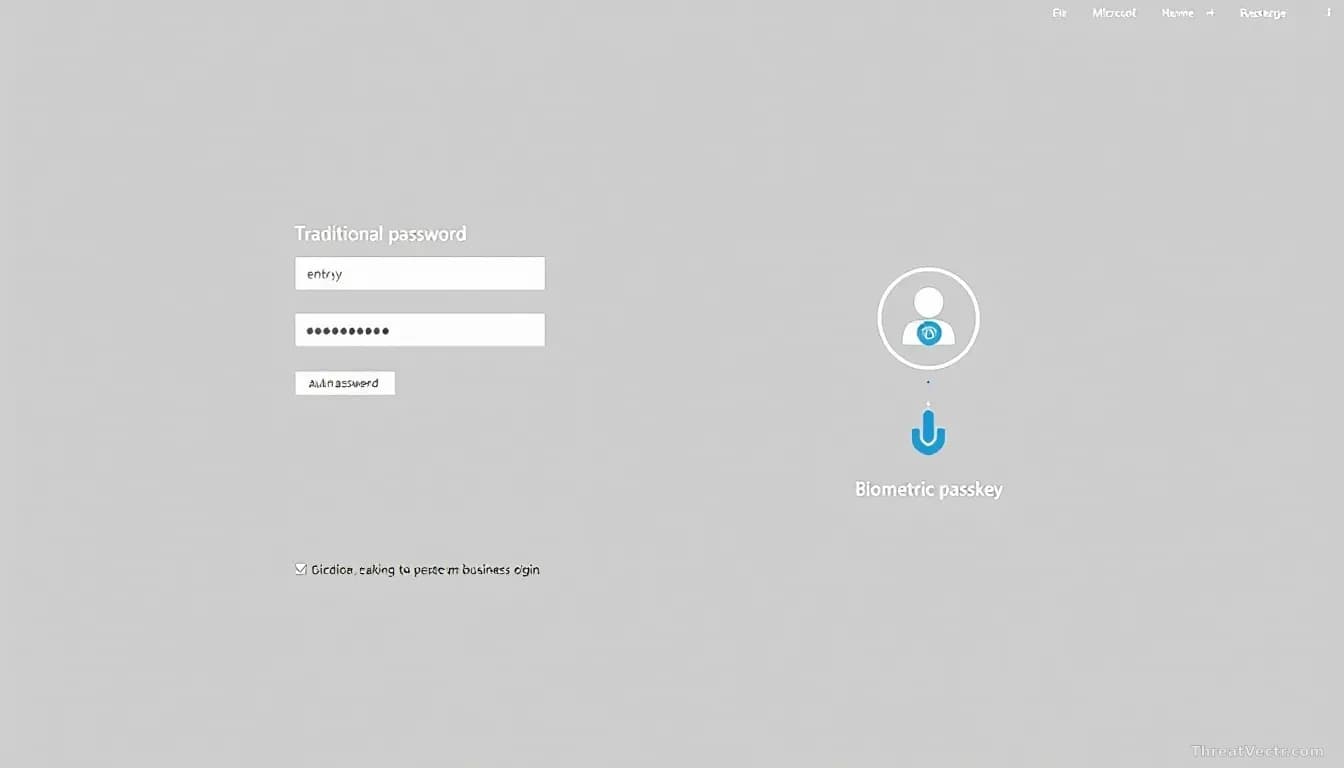
Key points
- As of 1 September 2026, Microsoft Entra ID, the cloud-based system companies use to manage who can log in to what, now defaults to passkeys instead of passwords.
- Microsoft will switch off its SMS and voice verification options entirely by 1 February 2027.
- Passkeys use built-in phone or laptop security (a fingerprint or face scan) instead of a typed password, making them very hard to steal via fake websites.
- A full switch away from passwords is unrealistic for most businesses right now; a slow, mixed rollout is the practical path.
- Employees who lose their device face a real problem: recovering a corporate login tied to a personal phone or account.
Microsoft has quietly crossed a significant line. Since 1 September 2026, any new account on Microsoft Entra ID, the service large organisations use to control employee access to apps and data, relies on a passkey rather than a traditional password by default. Voice call and text-message verification codes will disappear from the platform entirely by February 2027.
What is a passkey, and why does it matter?
A passkey replaces the typed password with a cryptographic key pair stored on your device, unlocked locally by your fingerprint, face scan, or a PIN. Nothing typed into a website means nothing travelling across the internet for a criminal to intercept or reuse.
That design is what makes passkeys phishing-resistant. Phishing is the scam where criminals build fake websites to harvest passwords. With a passkey, the device checks it's talking to the real site before doing anything, so a fake site gets nothing useful. The UK's National Cyber Security Centre backs the technology for exactly this reason.
Jason Soroko, senior fellow at digital-certificate company Sectigo, is direct: traditional passwords, even with a second verification step, are still vulnerable to AI-assisted phishing and to criminals stuffing stolen credential lists into login pages at scale.
We covered the credential-theft angle from a different direction when we reported on iAuthFlow V2, a toolkit that plants attacker-controlled passkeys inside accounts so that changing your password does nothing to lock them out.
Should ordinary employees be worried about losing access?
Yes, and it's the part the glossy announcements tend to skip. If a passkey lives on your personal iPhone or Google account and you get locked out of that account, recovering your work login becomes a real problem for both you and your IT department.
Dray Agha, senior manager of security operations at Huntress, a company that monitors business networks for threats, calls this a "tipping point" for enterprise adoption but is direct about the catch: handing key recovery to Apple or Google shifts the security burden while binding corporate access tightly to consumer platforms.
Cross-platform use is another gap. A passkey created on an iPhone doesn't move smoothly to a shared Windows desktop yet. Until that plumbing works reliably, some employees will find the experience frustrating.
How should companies actually roll this out?
Slowly and in stages, based on what multiple security specialists told CSO Online.
| What to do first | Why |
|---|---|
| Keep hardware security keys or app-based codes for older internal systems | Legacy software often can't handle passkeys at all |
| Run a small pilot group before a company-wide switch | Finds problems before they hit everyone |
| Build a phishing-resistant account-recovery process | The recovery step is where weaker security can sneak back in |
| Phase out text-message codes before the 2027 deadline | SMS codes are easily intercepted; get ahead of the cut-off |
For factory-floor systems or older applications that predate modern web standards, passkeys won't work today. A hybrid approach, where modern cloud tools use passkeys and older systems use other strong methods, isn't a compromise. It's the only realistic plan.
The failure mode is treating Microsoft's default change as a finish line rather than a starting gun: shipping passkeys to the CEO's laptop and leaving a thousand legacy apps running on passwords nobody reviews.
Map every application your staff logs in to before you touch authentication settings. The apps that can't do passkeys will tell you exactly where passwords will survive.



