Greatness Phishing Kit Adds a New Trick to Steal Logins Without Passwords
The rented phishing toolkit now abuses Microsoft's own login flow to walk around multi-factor authentication.
Key points - Greatness, a rent-a-phishing-kit sold to criminals, has added support for device code phishing, a technique that hijacks a legitimate Microsoft sign-in flow. - The trick lets attackers bypass multi-factor authentication (MFA), the second check like a code from your phone, and walk away with a working session token. - Device code phishing has been used by suspected Russian state groups, and we've tracked it across [nine stories since 19 June](/ story/device-code-phishing-the-login-trick-that-blew-up-in-2026). - The kit already supported adversary-in-the-middle phishing, where the fake login page silently relays what you type to the real site. - Treat any request to type a short code into microsoft.com/devicelogin as suspicious unless you started the sign-in yourself.
A popular criminal toolkit called Greatness has picked up a nasty new capability. It can now run what analysts call device code phishing, aimed squarely at getting past the extra login checks most companies rely on.
Greatness is sold as phishing-as-a-service, meaning criminals rent it by the month the way a small business rents accounting software. The kit's one of the more polished commodity platforms targeting Microsoft 365 accounts.
What is device code phishing, in plain English?
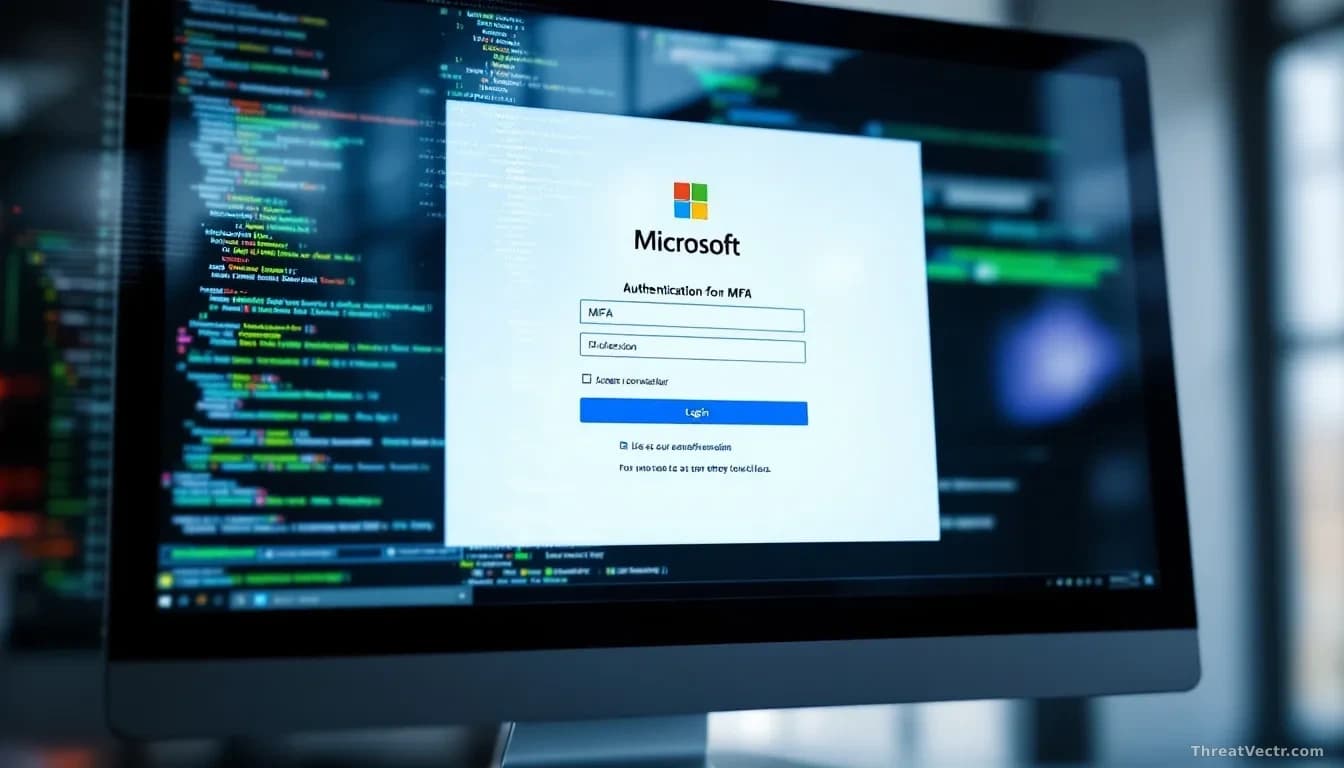
It's a scam that abuses a real Microsoft login feature built for devices without keyboards, like smart TVs. The attacker starts a real sign-in on their own machine, gets a short code from Microsoft, then tricks you into typing that code into the genuine Microsoft page. You approve it. They get in.
Because the login happens on Microsoft's own servers, your MFA prompt looks completely normal. What you're actually approving is the attacker's session, not your own.
The end prize is a session token, a small file your browser holds after you log in that proves you are you. Steal the token and the attacker doesn't need your password or MFA code again for the life of that token. Our 28 July story "Changing Your Password No Longer Kicks Hackers Out" covers exactly why that makes a password reset useless once a token is gone.
Who is already using this trick?
Nation-state crews got there first. Targets included government and defence organisations.
Other researchers have flagged overlapping tradecraft with clusters linked to Russian intelligence services, though attribution across these groups is messy and I wouldn't put weight on any single-source call.
What's new is the technique showing up in a rented crimeware kit. That lowers the bar considerably. You don't need a state budget to run this attack anymore; a subscription will do.
How is Greatness different from a normal phishing page?
Greatness already offered adversary-in-the-middle phishing, sometimes shortened to AiTM. In that setup the fake login page acts as a silent middleman, passing your credentials and MFA code to the real Microsoft site in real time and stealing the resulting session cookie.
Adding device code phishing gives kit customers a second route. If the AiTM path gets blocked by conditional access rules, the device code path may still work, because it uses a genuine Microsoft URL that most security tools trust.
| Technique | What the victim sees | What defeats it |
|---|---|---|
| Classic phishing | Fake login page | MFA, password managers |
| Adversary-in-the-middle | Fake login page proxying the real one | Phishing-resistant MFA, FIDO2 keys |
| Device code phishing | Real Microsoft page asking for a short code | User caution, conditional access, disabling device code flow |
Should you worry?
Yes, if your organisation relies on standard MFA. This isn't a theoretical gap; it's a technique already in the hands of well-resourced attackers and now available to anyone with a rental budget.
What should ordinary users do?
Be suspicious of any message or email that asks you to visit microsoft.com/devicelogin and type in a code someone sent you. If you didn't start the sign-in yourself, don't enter the code.
If you did enter one by mistake, tell your IT team fast. They can revoke the session before the attacker uses it.