Fake Adobe and Zoom Update Prompts Slip Remote-Control Software Onto Victim PCs
Securonix researchers say the SMOKE#SCREEN campaign is tricking staff into installing ConnectWise ScreenConnect, handing attackers a quiet way back in.
Key points
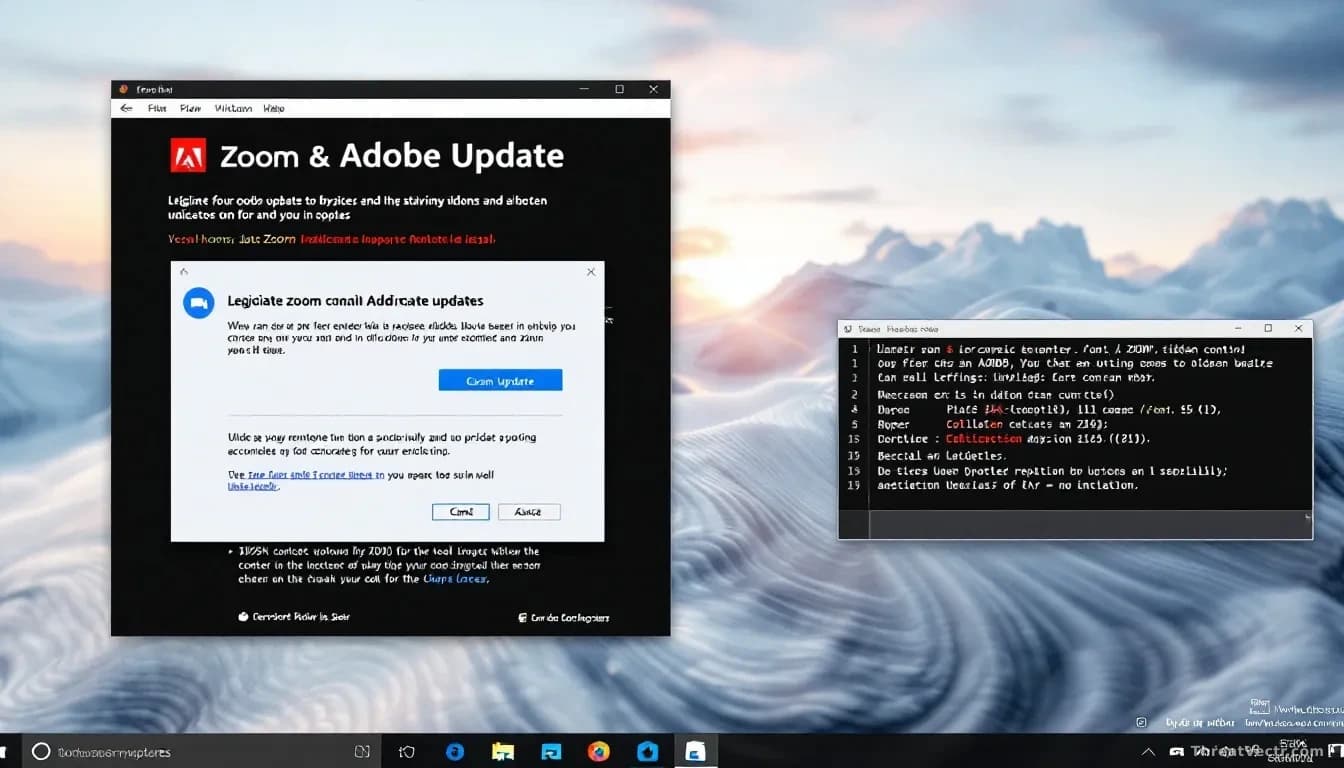
- Securonix has named an active campaign SMOKE#SCREEN that uses fake Adobe and Zoom update prompts to install remote-access software on victim machines.
- The tool being installed is ConnectWise ScreenConnect, a legitimate Remote Monitoring and Management product that attackers are abusing for persistent access.
- Lures also include fake business document reviews and system maintenance utilities, aimed at office workers who click without thinking.
- Because ScreenConnect is real IT software, many antivirus tools do not flag it, giving intruders quiet, persistent control.
- Multi-factor authentication won't stop this on its own: the trick happens after login, on the endpoint itself.
A new wave of attacks is using fake software update pop-ups to sneak remote-control software onto people's computers. Once installed, attackers can watch the screen, copy files, and return whenever they like.
Securonix's threat research team is calling the campaign SMOKE#SCREEN, and says it's running in multiple waves with different lures. The Hacker News first flagged the write-up. It's the same playbook we reported on 27 July when Operation BlueDash used a bogus Microsoft Teams update to drop remote-access tools, which tells you this delivery method isn't going away.
What is actually being installed?
The payload is ConnectWise ScreenConnect, a real product that IT departments use every day to fix computers remotely. In the wrong hands it becomes a surveillance tool. Because it's signed, legitimate software, most antivirus products leave it alone.
That's the whole trick. Attackers don't need a zero-day, meaning a secret software flaw the maker doesn't know about. They just need one employee to double-click an installer.
How are people being tricked into running it?
By pop-ups and emails that look like ordinary work interruptions. Securonix has seen at least four lure themes.
| Lure theme | What the victim sees |
|---|---|
| Adobe update | A prompt claiming Adobe Reader or Acrobat needs a critical update |
| Zoom update | A fake Zoom client update, often before a meeting |
| Document review | An email asking them to open and review a business file |
| System maintenance | A utility offering to "clean up" or repair the PC |
Each lure ends the same way. The user runs an installer, ScreenConnect is quietly dropped onto the machine, and it phones home to a server the attackers control.
Why does this matter for ordinary staff?
Adobe and Zoom both push genuine updates constantly, so a pop-up asking you to install one doesn't feel suspicious. That's exactly what the campaign is banking on.
Once ScreenConnect is running under your user account, attackers inherit whatever you can reach: email, shared drives, saved browser passwords, internal apps you're already signed into. Even if your company uses single sign-on, meaning one login that opens many work apps, the attacker is already inside your live session and doesn't need to authenticate again.
Should you worry about MFA not helping here?
Yes, and that's worth being direct about. Multi-factor authentication, the second step where you approve a login on your phone, protects the front door. This attack walks in behind you, after you've already authenticated. The compromise lives entirely on the endpoint.
What should people and companies do now?
Treat unsolicited update prompts with suspicion, especially ones arriving from a browser tab or email attachment rather than from inside the running app. Real Adobe and Zoom updates come from within the program itself.
IT teams should audit whether ScreenConnect is installed on machines that have no business running it. Securonix's write-up lists the domains and file hashes to hunt for. Blocking unauthorised Remote Monitoring and Management tools at the network edge is one of the cleanest defensive wins available.
Clicked something odd this week? Tell your IT team today, not next Monday.