Fake Microsoft Teams Update Pushes Remote-Control Tools onto Victims' PCs
A phishing run tracked as Operation BlueDash uses a bogus 'secure document' lure and a counterfeit Microsoft Store page to install legitimate remote-access software on target machines.
Key points
- Researchers at ZeroBEC have documented a phishing campaign, dubbed Operation BlueDash, that uses fake Microsoft Teams update prompts to trick staff into installing remote-control software.
- Victims are steered through hacked websites to a counterfeit Microsoft Store page before the malicious installer runs.
- The attackers deploy Level RMM and ConnectWise ScreenConnect, both legitimate remote monitoring and management tools that let outsiders drive a PC as if sitting at the keyboard.
- The lure pretends a shared document can't open until Teams is updated, exploiting normal office habits.
- Because the tools are signed and legitimate, many antivirus products don't flag them, giving the intruders a quiet foothold.
A new phishing campaign is tricking office workers into handing attackers full remote control of their computers without a single line of custom malware.
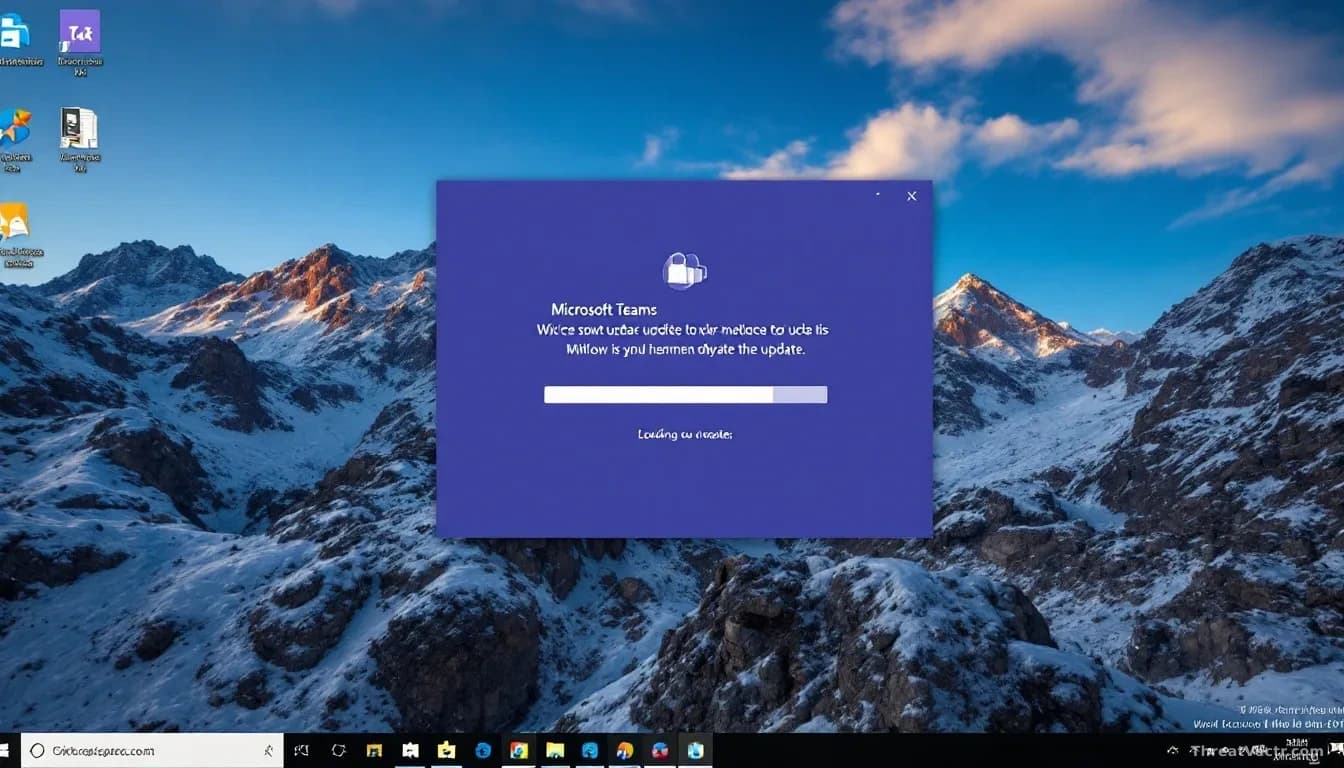
The operation, named Operation BlueDash by researchers at ZeroBEC, dresses itself up as a Microsoft Teams notification about a shared document. Click the link and you land on a hacked website that bounces you to a fake Microsoft Store page. That page tells you Teams needs an update before the document will open. It's a tidy trap precisely because the story matches what people see every day at work.
What actually gets installed?
Not malware in the traditional sense. The installer drops one of two commercial remote monitoring and management tools, software that IT teams normally use to fix laptops from afar: Level RMM or ConnectWise ScreenConnect. Once running, these give the attacker the same view and control a helpdesk technician would have.
The files are signed by real vendors, so antivirus tools tend to leave them alone. Thousands of legitimate businesses use both products. As first reported by The Hacker News, the campaign relies entirely on this blurred line between IT tool and attack tool. We've tracked ScreenConnect's appearance in similar abuse since our first coverage on 1 July 2026, and the pattern isn't getting simpler to defend against.
How does the lure work in practice?
ZeroBEC says the victim was directed through compromised web infrastructure to a counterfeit Microsoft Store page claiming Teams had to be updated before the shared document could be opened. Agreeing downloads the remote-access installer. From there, the attacker can read files, watch the screen, harvest saved passwords, and move deeper into the corporate network.
Who is being targeted?
ZeroBEC hasn't named specific victims, but the lure design points squarely at businesses running Microsoft 365. Anyone whose day involves Teams messages and shared files is a plausible target: finance, HR, legal, sales.
| Detail | What ZeroBEC reports |
|---|---|
| Campaign name | Operation BlueDash |
| Lure theme | Microsoft Teams shared document, fake update prompt |
| Delivery path | Compromised websites redirecting to a fake Microsoft Store page |
| Payloads | Level RMM, ConnectWise ScreenConnect |
| Detection risk | Low, because both tools are legitimate and code-signed |
Should you worry?
Yes, if your organisation runs Microsoft 365. The defender's problem here isn't catching malicious code. It's catching legitimate software used by someone who shouldn't have it.
What should staff and IT teams do?
For everyday users: Teams updates itself. If a web page tells you to update Teams to open a document, close the tab. Don't run installers that arrive through a browser prompt, however official the page looks.
For IT and security teams: treat unexpected installs of RMM software as a red flag, even when the vendor is reputable. Block RMM binaries you don't authorise, and alert on the ones you do. Review outbound connections to Level and ScreenConnect cloud endpoints. If staff report a strange Teams update prompt, pull the machine off the network and check for unfamiliar remote-access services.
Regulatory exposure will depend on what the attackers reached. Firms that handle personal data should check their breach-notification obligations with their legal team as soon as compromise is confirmed, because deadlines under UK and US sector rules vary and run quickly.