A Government of India Website Is Tricking Visitors Into Running Malware From Their Own Keyboard
A fake security check on a page linked to India's STPI quietly loads a harmful command onto visitors' clipboards, then asks them to paste and run it themselves.
Key points
- A subdomain of India's Software Technology Parks of India (STPI), a government body that supports India's tech industry, was found serving a fake security verification page designed to hijack visitors' computers.
- The attack silently copies a malicious command into a visitor's clipboard and instructs them to paste it into Windows Terminal, the command-line tool built into modern Windows computers, and press Enter.
- Cybersecurity researcher Vibhum Dubey discovered the attack and reported it to STPI and CERT-In (India's national computer emergency team), but as of publication the malicious script remained embedded in the site.
- The hostile code was loaded from a domain less than a week old, registered to a Russian address, hosted on a server in Hong Kong.
- CERT-In acknowledged the report and said it is taking action; STPI had not responded.
When you land on a government website, you assume it's safe. That assumption is exactly what this attack depends on.
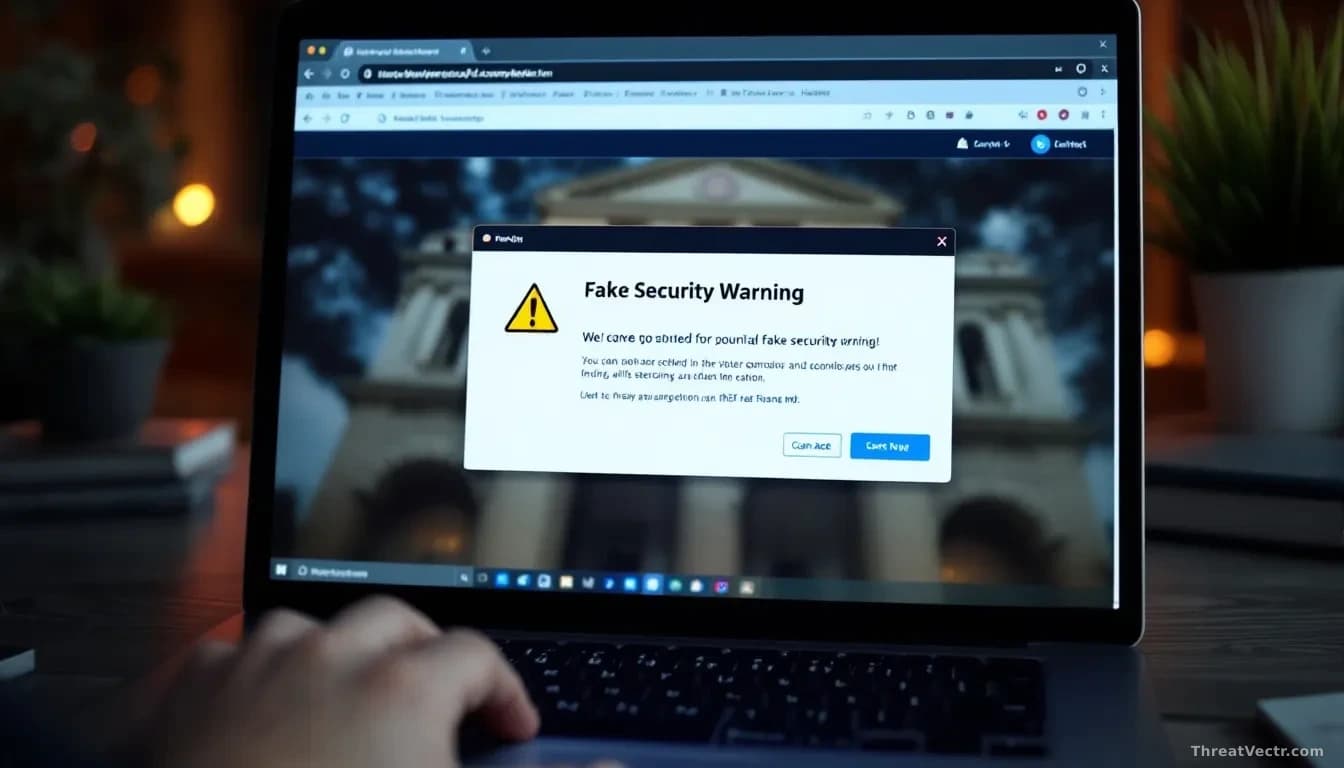
Visitors to ananta.stpi[.]in, a subdomain belonging to Software Technology Parks of India, were met with what looked like a routine Cloudflare verification prompt. Cloudflare is a widely used internet security company, and its "Verify you are human" checkbox appears on millions of websites every day. Most people click through without a second thought.
This one was fake. It had an extra step.
How does the attack actually work?
The page told visitors to open Windows Terminal, a text-based control panel for Windows, paste in a command and hit Enter. The trick: the site had already quietly copied that command to the visitor's clipboard, the temporary storage your computer uses for copy-paste operations, without any button click or warning.
Running that command would have sent the visitor's computer to external infrastructure controlled by the attackers. Seventeen separate scanning tools flagged the destination as malicious on VirusTotal, a service that checks links and files against hundreds of security databases.
Dubey didn't run the command himself. Wise move.
"You go to ananta.stpi[.]in expecting to access STPI services, and you see what looks like a normal Cloudflare verification check," Dubey told CSO Online. "Most users would follow the steps without thinking. That's what makes it effective."
Why is this harder to stop than a normal attack?
Traditional web attacks try to infect you through the browser directly. This one sidesteps that entirely. By tricking the visitor into running the command themselves, the attack moves outside the reach of most browser security tools. The browser never downloads anything suspicious. You do the work for the attacker.
Microsoft has documented this pattern under the name TerminalFix, a variation of a broader family of scams called ClickFix. We covered the technique on 31 August in "TerminalFix: The Fake CAPTCHA That Opens a Back Door Into Company Networks", when Microsoft first flagged victims being pushed to paste attacker commands straight into Windows Terminal.
| Detail | Finding |
|---|---|
| Affected site | ananta.stpi[.]in |
| Malicious script source | cdn[.]quickdelivr[.]com |
| Script domain age at discovery | Less than one week |
| Registrant location | Russia (listed address) |
| Server location | Hong Kong |
| VirusTotal detections on payload URL | 17 of multiple engines |
CSO Online independently confirmed the external script was still embedded in the site's source code even after the fake page briefly disappeared and then reappeared.
The script was heavily obfuscated to resist analysis, assigned each visitor a unique tracking ID, and pulled its instructions from remote servers, which means taking down one piece of the infrastructure wouldn't necessarily stop it.
Should ordinary visitors be worried?
If you visited the site but didn't open Windows Terminal and paste anything, you're almost certainly fine. The attack requires that manual step.
If you did run a pasted command from that site, treat it seriously. Change passwords on any accounts accessed from that machine and run a full malware scan. On a work computer, loop in your security team before doing anything else.
The failure mode here is predictable: people trust government URLs, so they follow instructions they'd reject on an unfamiliar site. Any security training that teaches staff to pause before opening a terminal and pasting something, even on a page they trust, would have stopped this cold.
Dubey also flagged a separate WordPress configuration weakness on the site where the login endpoint leaks a valid administrator username through inconsistent error messages, though whether that was the entry point would require server-side investigation to confirm.
Clipboard-hijacking attacks need the victim's own hands to succeed. The last line of defence is a person who pauses before pressing Enter.