ValleyRAT Malware Hides Inside Signed Chinese Wallpaper App to Bypass Antivirus
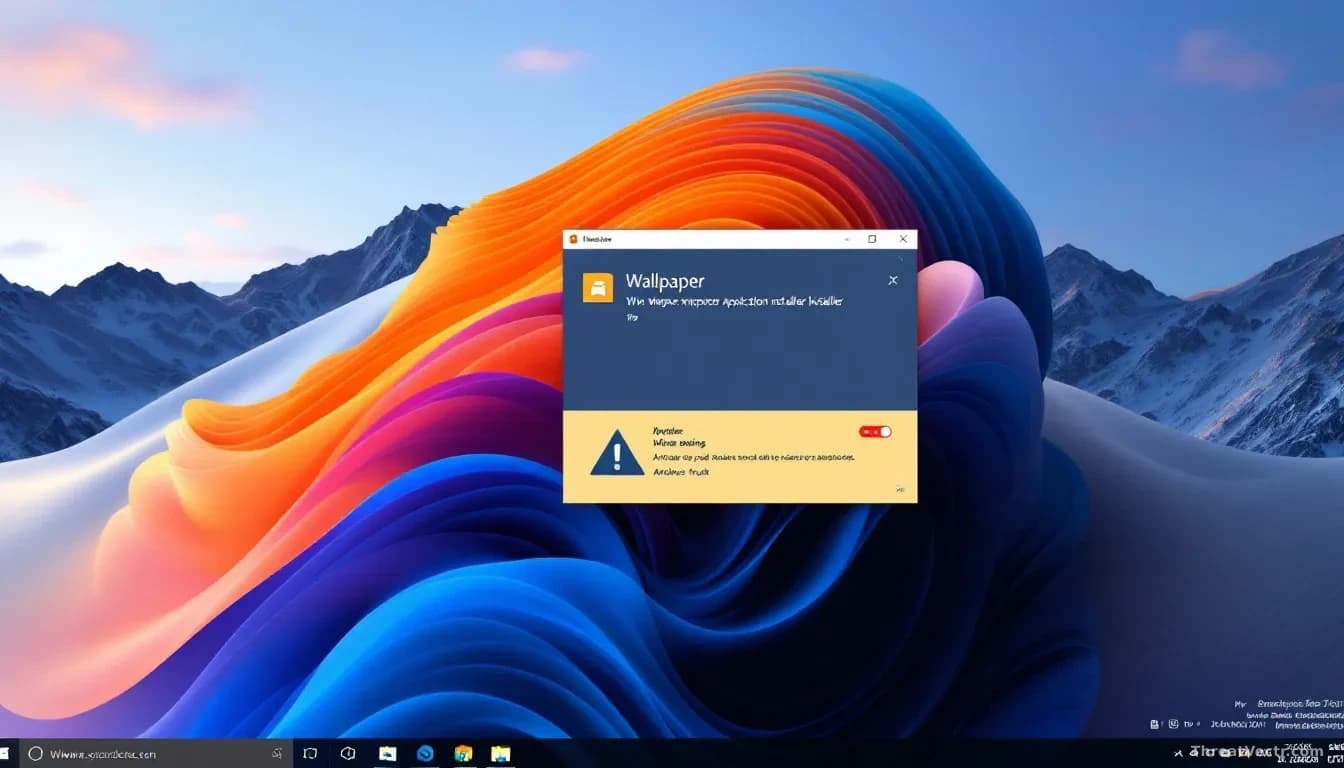
Silver Fox is smuggling the ValleyRAT backdoor onto Windows PCs by wrapping it around QN Wallpaper, a legitimate signed program many users have already told their antivirus to trust.
Key points
- A hacking group known as Silver Fox is spreading ValleyRAT, a remote-access backdoor, by hiding it inside a real Chinese wallpaper app called QN Wallpaper.
- The malware runs under a signed, trusted process, letting it slip past antivirus software that users have set to ignore adware.
- Russian security vendor Kaspersky reported the campaign, which targets Chinese-speaking Windows users.
- The trick relies on a common user habit: adding noisy but harmless adware to antivirus exclusion lists.
- There's no formal patch here. Defence depends on reviewing exclusions and blocking the loader.
A Chinese-speaking hacking crew called Silver Fox has found a quiet way onto Windows machines, hiding its malware inside a real program that many users have already told their antivirus to leave alone.
The program is QN Wallpaper, a genuine Chinese desktop-wallpaper tool. Signed with a valid certificate, it's treated by Windows as coming from a known publisher. It also behaves like adware, the kind of free software that pesters users with promotions, so people often add it to their exclusion list to stop the warnings.
That exclusion is the whole trick.
Once the app is trusted, Silver Fox loads ValleyRAT, a backdoor giving the attackers remote control of the machine. Because the malicious code runs under the signed process, the antivirus doesn't look twice. Russian cybersecurity vendor Kaspersky described the campaign, first reported by The Hacker News, noting the attackers built their disguise around real QN Wallpaper software rather than faking it, which is what makes the certificate check pass.
Silver Fox's habit of piggybacking on legitimate signed software isn't new. We reported on 5 August that a tampered QuickFox VPN installer was being used to plant a stealth backdoor, with tradecraft that overlaps Silver Fox activity.
What is ValleyRAT and who is behind it?
ValleyRAT is a remote access trojan, malicious software that lets an attacker operate a victim's computer from afar. It can steal files and drop additional payloads. Silver Fox, the group linked to this campaign, has been tracked targeting Chinese-speaking Windows users through fake installers and poisoned software downloads. The group tends to go after finance and accounting users in mainland China, and this campaign continues that pattern.
How does the antivirus bypass actually work?
Antivirus tools let users mark certain programs as safe, a normal feature meant for software that keeps triggering false alarms. Adware falls into that bucket for many people. Rather than uninstall the wallpaper app, they tell the scanner to ignore it.
Silver Fox counts on exactly that. The attackers load ValleyRAT through the signed QN Wallpaper process, so file writes and network traffic appear to originate from a program the user has already approved. A trusted parent process rarely gets a second look.
| Element | Detail |
|---|---|
| Group | Silver Fox (China-linked) |
| Malware | ValleyRAT backdoor |
| Cover app | QN Wallpaper (signed, legitimate) |
| Target | Chinese-speaking Windows users |
| Reported by | Kaspersky |
Should ordinary users be worried?
If you're not in China and don't run Chinese desktop utilities, the direct risk is low. The broader lesson matters more. Any program you've told your antivirus to skip becomes a soft spot, and if an attacker can piggyback on it, your protection is off for that slice of the system.
Open your antivirus, find the allow list, and remove anything you don't recognise or no longer need. Uninstall adware rather than muting it.
Common questions
Is QN Wallpaper itself malicious?
No. It's a real product with a valid signature. Silver Fox abuses it as a delivery vehicle. The developers aren't accused of wrongdoing.
How do I know if I am infected?
Look for unusual outbound connections from the wallpaper process alongside unexpected files in your user profile. A full scan with exclusions temporarily disabled will catch most variants.