TerminalFix: The Fake CAPTCHA That Opens a Back Door Into Company Networks
Microsoft has spotted a new twist on the ClickFix scam that pushes victims to paste attacker commands straight into Windows Terminal, ending with a hidden tunnel into the internal network.
Key points
- Microsoft has documented TerminalFix, a campaign using fake Cloudflare CAPTCHA prompts on hacked websites to trick people into running attacker commands.
- The attack routes victims to Windows Terminal or PowerShell, letting criminals run longer, more complex scripts than typical ClickFix variants allow.
- The final payload is a custom Python tool that opens a reverse tunnel to gitnow[.]dev on port 443, giving attackers a route into the victim's internal network.
- Payload files are hidden inside three PNG images using steganography, the practice of concealing data inside ordinary-looking pictures.
- Microsoft has not seen hands-on-keyboard activity yet but warns the access could be used for ransomware, data theft, or credential harvesting.
Microsoft researchers have flagged a new scam that dresses up a hostile command as a routine "prove you're human" check. They call it TerminalFix, and it's a nastier cousin of the ClickFix attacks that have plagued the web for the past year.
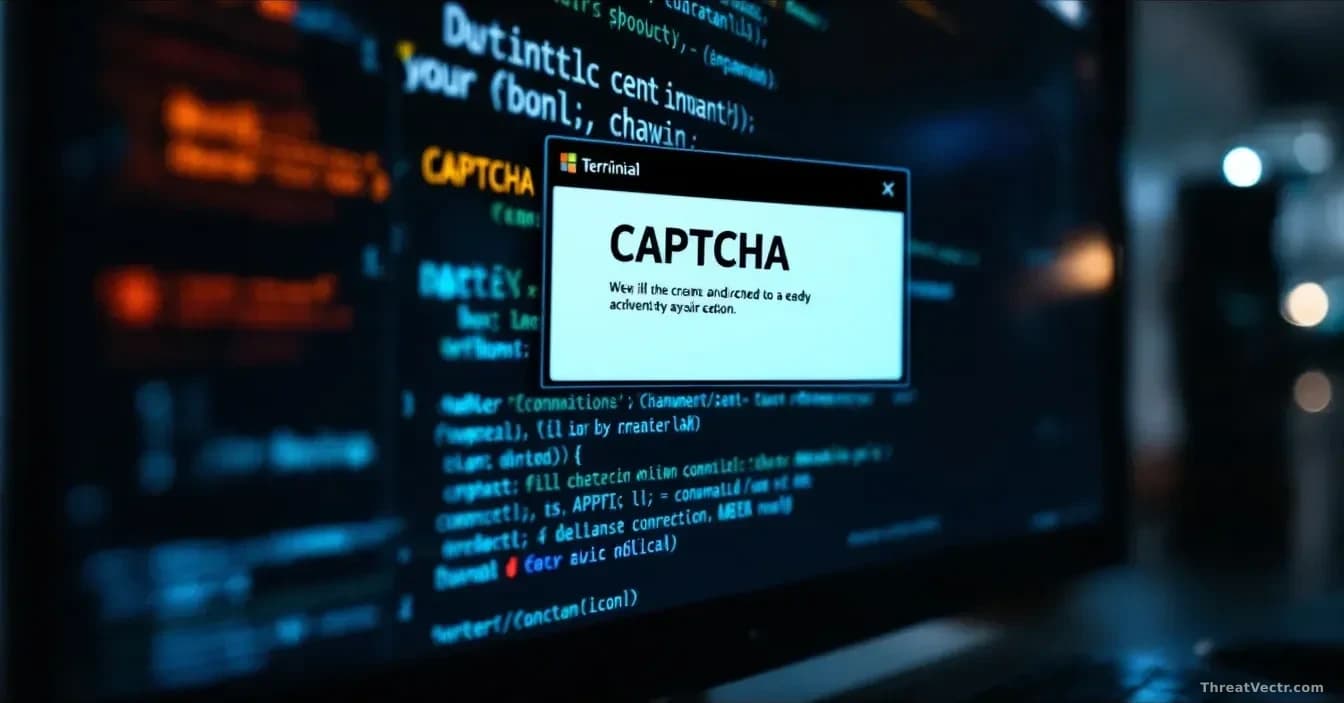
The trick starts on a hacked website. Visitors see what looks like a Cloudflare CAPTCHA, the familiar checkbox that sites use to weed out bots. The page tells them to open Windows Terminal, the black command window built into Windows, and paste a line that has quietly been copied to their clipboard. That single paste is the whole attack. It's worth comparing this to a campaign we covered on 25 August, where attackers used npm packages as free hosting for phishing pages built around the same fake Cloudflare human-check screen.
What does the attack actually do?
It downloads a ZIP file, quietly installs a hidden tool, and hands the attackers a way back into the machine, from which they can reach other computers on the same office network.
A ZIP archive arrives containing a real, signed executable alongside a malicious DLL, a helper file that Windows programs load at startup. Windows trusts the signed binary, so it runs without complaint. Riding alongside it, the DLL decodes an obfuscated payload and launches it directly in memory, so nothing suspicious hits the disk in plain form.
Stage two is more inventive. Three PNG images arrive from an attacker server; hidden inside their pixel data are an executable and DLL fragments, reassembled on disk after download. To a network monitor, it looks like someone loading pictures. Our steganography coverage goes back to 29 June, and the technique keeps appearing because it reliably slips past signature-based defences.
Persistence comes via a scheduled task and a Windows Registry Run key, both set to fire every hour.
Why is the reverse tunnel the dangerous part?
Because it turns the infected PC into a doorway. Once the tunnel is live, the attacker can reach anything that PC can reach: file servers, databases, backup systems, mail servers.
The tunnel is a custom Python module that dials out to gitnow[.]dev on port 443 over an encrypted WebSocket, the same kind of connection your browser uses for chat apps. It supports SOCKS5-style proxying, meaning the attacker can pipe traffic through the victim's machine to any internal address they choose. Connections are multiplexed, browser identifiers rotate to blend in, and the whole thing can be shut down remotely to cover tracks.
Before the tunnel goes up, the malware scouts the environment. It probes for domain controllers (the servers that hold company logins), databases, backup servers, gateways, and enumerates Active Directory, Microsoft's directory of user accounts and permissions.
Who is at risk and what happens next?
Anyone who lands on a hacked page and follows the fake CAPTCHA instructions. Microsoft says it has not yet seen operators typing commands live on infected machines. That does not mean they won't.
Based on what the tooling supports, likely next steps include lateral movement to other machines, privilege escalation, credential theft, disabling security tools, or ransomware deployment.
What should defenders and users do?
For IT teams, Microsoft recommends restricting who can run PowerShell, logging every PowerShell command, watching for LockScreenContentServer.exe running from unusual folders, and hardening browser and endpoint settings. On a confirmed infection, hunt for signs of sideways movement and rotate every credential the box could see, especially domain admin accounts.
For ordinary users the rule is blunt: no legitimate website will ever ask you to open Windows Terminal or the Run box and paste something in to prove you are human. Close the tab.