Plug-and-Play Trick Turns a Fake USB Stick Into Full Windows 11 Takeover
Researchers show how Windows' habit of auto-installing driver software can be twisted into SYSTEM-level control, no physical hardware required, and it works over Remote Desktop too.
Key points
- Windows Plug and Play, the feature that auto-installs software when you connect a device, can be tricked into running vendor installers with the highest level of access on a fully patched Windows 11 machine.
- The attack uses a fake or emulated USB device, so no genuine hardware is needed.
- It also fires over Remote Desktop sessions when USB redirection is enabled, meaning the attacker does not need to be in the room.
- Researchers chained signed, legitimate installer components to reach SYSTEM, the account with total control of the machine.
- Defenders should audit which vendor installers auto-run on device insertion and restrict USB redirection on remote sessions.
When you plug in a printer or headset, Windows looks up the device, fetches the vendor's driver and installs it. That convenience is Plug and Play (PnP). Researchers have now shown that an attacker can impersonate a device Windows trusts, get the OS to download the real vendor's signed installer, then abuse steps inside that installer to reach SYSTEM privileges. SYSTEM has more power than any human user account. Own SYSTEM, own the box.
The demonstration ran on a fully updated Windows 11 machine. That is the uncomfortable part: the components doing the damage are legitimate, digitally signed vendor code behaving as designed.
How does the attack actually work?
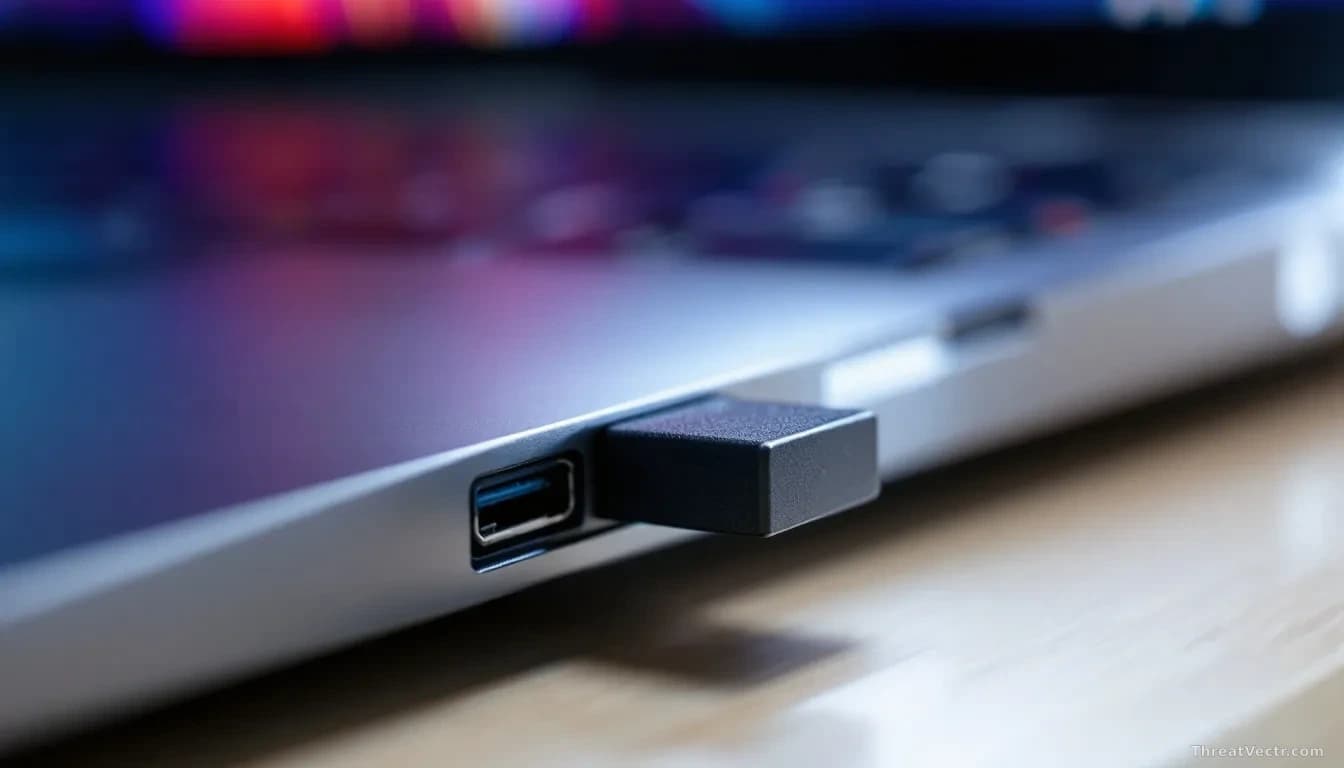
An attacker presents a USB device, real or emulated in software, that identifies itself as hardware from a specific vendor. Windows PnP recognises the identifier, pulls the matching driver package and hands control to the vendor's installer, which runs with high privileges so it can write to protected folders and register services.
Some installers write to locations a normal user can influence, load helper files from predictable paths or call secondary components without verifying them. Chain those weaknesses and the installer, running as SYSTEM, executes code the attacker controls. No exploit of a Windows zero-day (an unknown flaw in Microsoft's own code) is involved. The bugs live in third-party installer logic that Windows happily launches on your behalf.
Do attackers need physical access?
No, and that is what separates this from the usual rogue-USB story. The same PnP path can be triggered across a Remote Desktop session when USB or low-level PnP redirection is enabled. Remote Desktop lets you operate a computer over the network as if you were sitting at it.
With redirection on, a device plugged in at the attacker's end appears to the remote server as locally connected. Windows on the far side fetches the vendor driver and runs the installer. A low-privileged user with remote session rights could ride this path straight to SYSTEM. Our 15 July story on a Windows USB-C driver clash that bricked performance on Dell laptops showed how driver installation at the OS level can spiral well beyond what vendors anticipate: this research is that risk made intentional.
What should defenders do now?
Treat vendor installers as an attack surface, not background noise. The technique needs no malware in the traditional sense: the attacker uses a lift already built into the building.
| Area | What to check |
|---|---|
| Endpoint policy | Block or restrict driver auto-install for unknown device IDs |
| Remote Desktop | Disable USB and PnP redirection unless a business case requires it |
| Application control | Constrain which vendor installers can run, and from where |
| Monitoring | Alert on new services or SYSTEM processes spawned after a device-insert event |
Microsoft has been informed. Until guidance lands, the shortest path to reducing risk is disabling USB redirection on Remote Desktop hosts and reviewing which device classes your endpoints will silently install software for.
Ordinary users don't need to act. This is an enterprise configuration problem, not a "don't click the link" problem. The real watch item is how long it takes Microsoft and the affected vendors to decide who owns the fix, because right now neither side has claimed it.