One Hacked Shark Robot Vacuum Can Hand an Attacker the Keys to Every Shark Vacuum in the Region
A researcher pulled a security key off a $500 robot vacuum and used it to run commands on other people's Shark vacuums, including reading their Wi-Fi passwords in plaintext.
Key points
- A researcher known as tokay0 published a method on Monday showing how a single Shark RV2320EDUS robot vacuum can be used to control other Shark vacuums across the same Amazon cloud region.
- The attack lets someone watch the robot's camera, drive it around a stranger's home, and download the map of the house or read the Wi-Fi password in plaintext.
- The key that unlocks this access, a digital certificate, sits on the vacuum's memory chip and can be pulled off with physical access to one device.
- SharkNinja has not issued a public fix at the time of writing.
Owning one Shark robot vacuum is enough to poke around inside other people's Shark vacuums, provided they sit in the same Amazon cloud region. That's the finding tokay0 put online on Monday, surfaced by The Hacker News.
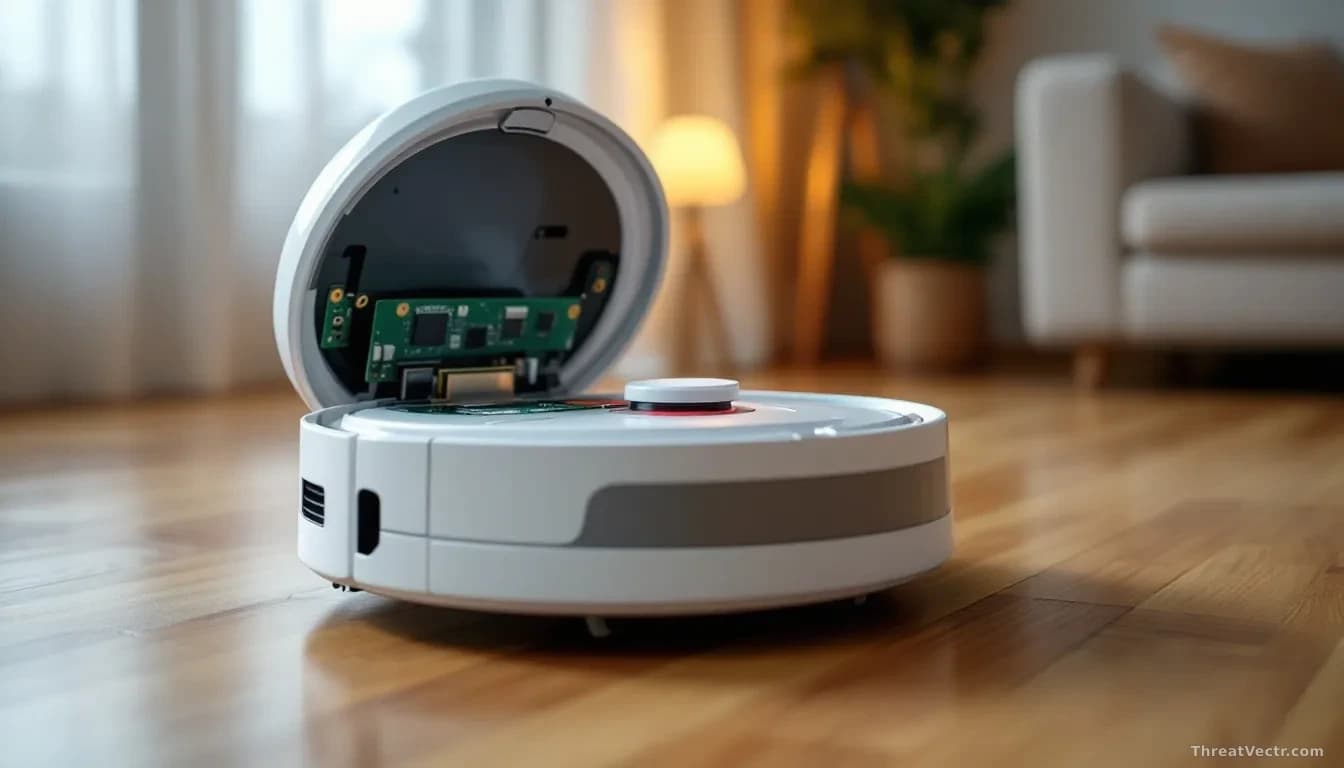
The target is the Shark RV2320EDUS, a mid-range robot vacuum with a camera and a companion app. Tokay0 bought one and read the contents of its flash memory, the small chip that stores the device's software and secrets. On that chip sat a digital certificate: think of it as an ID card the vacuum shows to Shark's cloud servers to prove it's a genuine Shark device. The problem is that this ID card isn't unique to one vacuum. It works for the whole fleet.
How bad is this for ordinary Shark owners?
Bad, if a determined person with one vacuum decides to go looking. Once tokay0 had that certificate, he could talk directly to the Amazon Web Services (AWS) backend Shark uses to manage its devices. AWS is the cloud platform, run by Amazon, that hosts the servers Shark's app relies on.
From there, an attacker can send root commands to other vacuums in the same AWS region. Root means full administrator control, the highest level of access a device offers. That control includes turning on the camera and watching a live feed inside someone's home, driving the vacuum around on demand, pulling the stored floor-plan map, and reading the home Wi-Fi password stored on the device without encryption.
The Wi-Fi credential exposure is the sharpest edge here. Get someone's Wi-Fi password and you're inside their home network, next to their laptop and anything else they've connected. We reported in July on how quickly a single attacker can gut an AWS environment once initial credentials are in hand; the same principle applies at the home-network level.
Tokay0 tested the technique only against vacuums he owned. But the underlying flaw, a shared certificate baked into the hardware, isn't a bug he introduced. It's a design choice by the manufacturer.
What has Shark said?
SharkNinja hasn't published a security advisory or issued a firmware update. Threat Vectr will update this piece if that changes.
Because the credential is embedded in the hardware and reused across devices, a fix isn't a small matter. SharkNinja would need to rotate the certificate, push new firmware to every affected vacuum, and change how its cloud verifies devices.
Regulators may take an interest. The U.S. Federal Trade Commission has warned smart-home manufacturers repeatedly about storing Wi-Fi passwords in plaintext and about weak device authentication. The UK's Product Security and Telecommunications Infrastructure Act already bans shipping consumer devices with shared or default credentials.
Should you worry?
You don't need to panic, but a few steps are worth taking now.
- If your Shark robot has a camera and you're not using it, put a small piece of tape over the lens.
- Change your home Wi-Fi password after removing the vacuum from the app, then re-add it. This won't fix the underlying flaw, but it invalidates any password an attacker may have already pulled.
- Put smart home gadgets on a separate guest Wi-Fi network so they can't reach your laptop or phone.
- Watch SharkNinja's support page for a firmware update and install it the moment one appears.
The honest verdict: a shared hardware certificate is a basic design error, not a sophisticated attack, and the plaintext Wi-Fi storage makes it worse. The patch, when it comes, will be the hard part to watch: rotating embedded certificates across a shipped hardware fleet is messy work, and owners won't all apply updates promptly. That's the window that matters.