Microsoft's Latest Excel Security Patch Is Breaking Copy-Paste for Users
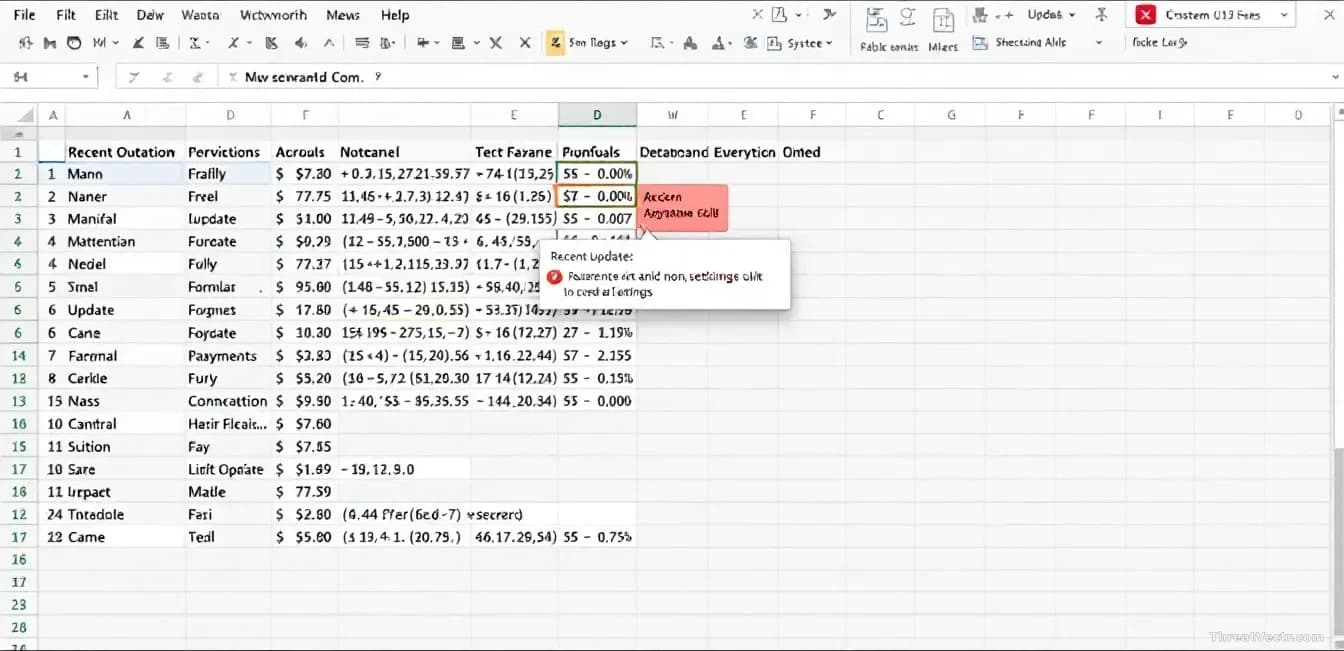
The KB5002914 update, released this week, is stopping people from copying cells and dragging formulas. Uninstalling the patch fixes it.
Key points
- Microsoft's KB5002914 security update for Excel is breaking copy-and-paste and formula-drag features for some users.
- Affected users report that Excel freezes, hangs, or pastes nothing at all when they try basic spreadsheet actions.
- Removing the update restores normal function, but leaves the underlying security fix unapplied.
- Microsoft has acknowledged user reports but hasn't yet published a formal advisory or fix at time of writing.
Microsoft Excel users are reporting that this week's Office security update, tracked as KB5002914, is breaking one of the most basic things a spreadsheet does: copying a cell and pasting it somewhere else.
The complaints, first surfaced by BleepingComputer, describe Excel freezing or refusing to paste after the update installs. Dragging a formula down a column, the everyday shortcut that fills a calculation across many rows, is also failing. It's not the first time a Microsoft patch has broken something fundamental: our 24 August report found a .NET security fix crashing Windows apps that tried to print using common fonts like Calibri.
Rolling KB5002914 back fixes it. That's the workaround people are landing on in Microsoft's own community forums and on social media.
What exactly is going wrong?
Copy-paste inside Excel is broken for some users after the patch installs. That includes copying between cells in the same sheet, pasting from one workbook to another, and dragging the small square at the corner of a cell to extend a formula.
Users report different symptoms. Some see Excel hang for several seconds. Others get a generic error message, or find that a paste appears to work but nothing lands in the target cell.
The bug hits desktop versions of Excel on Windows after KB5002914 installs through the standard Office update channel. Because it's a security update rather than a feature release, most users won't have chosen to install it: it arrived automatically.
Who is affected?
Anyone running a desktop version of Excel that received KB5002914 is potentially affected. That covers a large slice of business users, since Office security patches are typically pushed to managed corporate machines within days of release. Home users with Office subscriptions are also in scope. Web-based Excel, which runs in the browser, isn't affected because it doesn't receive these desktop patches.
There's no indication the bug causes data loss. Files opened in a patched Excel look fine; they just resist normal editing.
What should users do?
If Excel has become unusable since this week's Office update, the practical fix is to uninstall KB5002914 and restart. Microsoft's support pages document how to remove a specific Office update through the Control Panel on Windows.
There's a trade-off. KB5002914 is a security update, so pulling it means whatever vulnerability it patched is back on your machine until Microsoft ships a corrected version. The risk is lower for home users. Businesses handling regulated data should let IT make the call rather than individuals acting alone.
A short summary of the situation:
| Item | Detail |
|---|---|
| Update | KB5002914 (Office security update) |
| Released | This week |
| Symptoms | Copy-paste fails, formula drag fails, Excel hangs |
| Workaround | Uninstall the update |
| Fix from Microsoft | Not yet published |
Microsoft hasn't, at time of writing, issued a formal known-issue notice or a corrected build. Given how visible the complaints already are, a follow-up patch is likely within days.
If you rely on Excel for anything time-sensitive, hold off on this week's Office updates or be ready to roll them back.
Common questions
Will I lose my spreadsheets if I uninstall the update?
No. Removing KB5002914 only removes the patch itself. Your Excel files and formatting are untouched.
Should you worry about the security risk?
Only indirectly. The update fixed a security issue in Office. Uninstalling it means that fix is no longer in place, so weigh the inconvenience of broken copy-paste against running unpatched Office code, especially on work machines.