Microsoft trims Windows 11 right-click menu and retires a tool long abused by hackers
Faster File Explorer and a cleaner context menu land in Insider builds, while WMIC, a command-line tool ransomware crews have leaned on for years, gets pulled from Windows 11.
Key points
- Microsoft is testing a faster File Explorer and a slimmer right-click menu in Windows 11 Insider builds released this week.
- The new context menu adds a Settings shortcut so users can choose which items appear.
- Microsoft is removing the Windows Management Instrumentation Command-line tool, known as WMIC, from Windows 11 versions 24H2 and 25H2.
- WMIC has been tracked for years as a living-off-the-land binary: a legitimate Windows tool that attackers quietly use to run commands and blend in with normal admin traffic.
- The File Explorer work follows earlier speed changes in April and a background preloading option added in November.
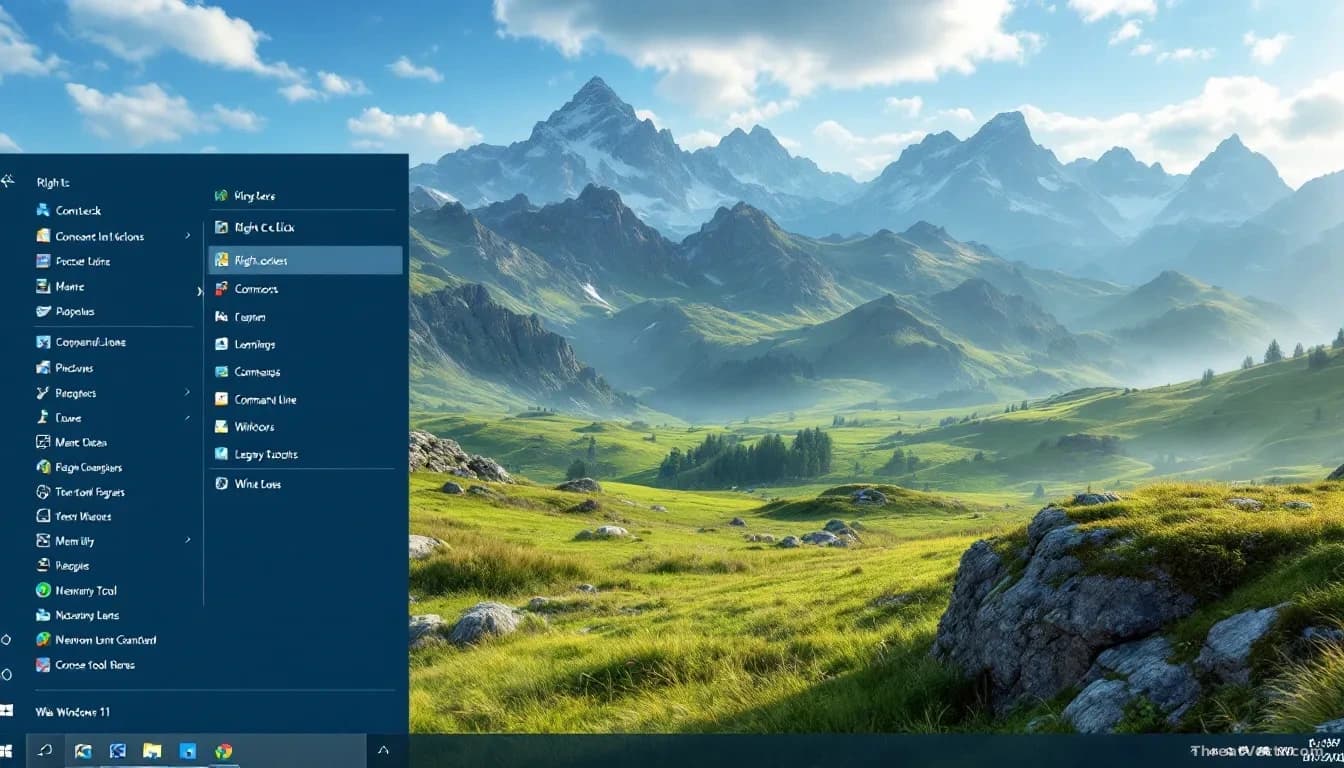
Microsoft is testing two changes in Windows 11 that most people will notice the moment they right-click a file. One is a faster File Explorer, the app you use to browse folders. The other is a shorter, tidier context menu, the small list of options that pops up when you right-click.
Both landed this week in preview builds for Windows Insiders, the volunteers who test early versions of Windows.
What actually changed in File Explorer?
Microsoft says the focus is speed and reliability, plus small annoyances users have reported. Renaming a file no longer gets interrupted by cloud sync running in the background. Changes that only affect letter case, say turning "Report.docx" into "REPORT.docx", now show up straight away instead of lagging.
The right-click menu itself has been redesigned. Common actions stay at the top, less-used items are tucked away. A new "Customize menu" shortcut at the bottom drops you into Settings, where you can decide what appears and what doesn't.
"The new design reduces top-level clutter, keeps commonly used actions easy to access, and introduces a new Settings experience that gives you more control over what appears in the menu," Microsoft said in a blog post first covered by BleepingComputer.
Why is Microsoft removing WMIC?
Because criminals have been using it against Windows users for years. WMIC is a built-in administrator tool that can query the system and reach across a network. Deprecated in 2021, it's now being pulled from Windows 11 24H2 and 25H2, as well as this week's beta builds.
In threat intelligence circles, WMIC is a textbook LOLBIN, living-off-the-land binary, jargon for a normal signed Windows program that attackers repurpose for malicious work because it looks like routine admin activity and rarely trips alarms. We first covered its removal on 18 August, when it disappeared from fresh installs of Windows 11 24H2 and 25H2.
Ransomware crews tracked as Conti and Black Basta by multiple vendors, and espionage clusters overlapping with what CrowdStrike calls Wizard Spider and what Mandiant groups under FIN7, have all been documented using WMIC to move laterally through networks and disable defences. Removing the binary doesn't stop the technique outright, since attackers can call the underlying WMI system directly through PowerShell. It raises the cost, which is the point.
Capability isn't the same as intent, and plenty of admins still have legitimate scripts that call WMIC. Microsoft's guidance is to move those to PowerShell before the tool disappears.
What changed and when
| Change | Windows 11 version | Status |
|---|---|---|
| Faster File Explorer | Insider builds | Testing, November 2025 |
| Redesigned right-click menu | Insider builds | Testing, November 2025 |
| File Explorer preloading option | Current builds | Optional, since November 2024 |
| WMIC removal | 24H2 and 25H2 | Rolling out |
Should ordinary users do anything?
Not really, unless you're on the Insider programme. The File Explorer changes will arrive in a normal Windows update when Microsoft is ready. If you run scripts at home or at work that call wmic.exe, now is the time to rewrite them in PowerShell. Everyone else can ignore that part.
The wider pattern is worth watching. Windows is slowly shedding old tools that attackers have grown comfortable with. Good for defenders, briefly painful for IT teams who haven't audited their scripts.