Microsoft Defender for Office 365 is blocking Google search links by mistake
A faulty security classification inside Safe Links is flagging normal Google URLs as malicious, and copy-pasting them into a browser does not help.
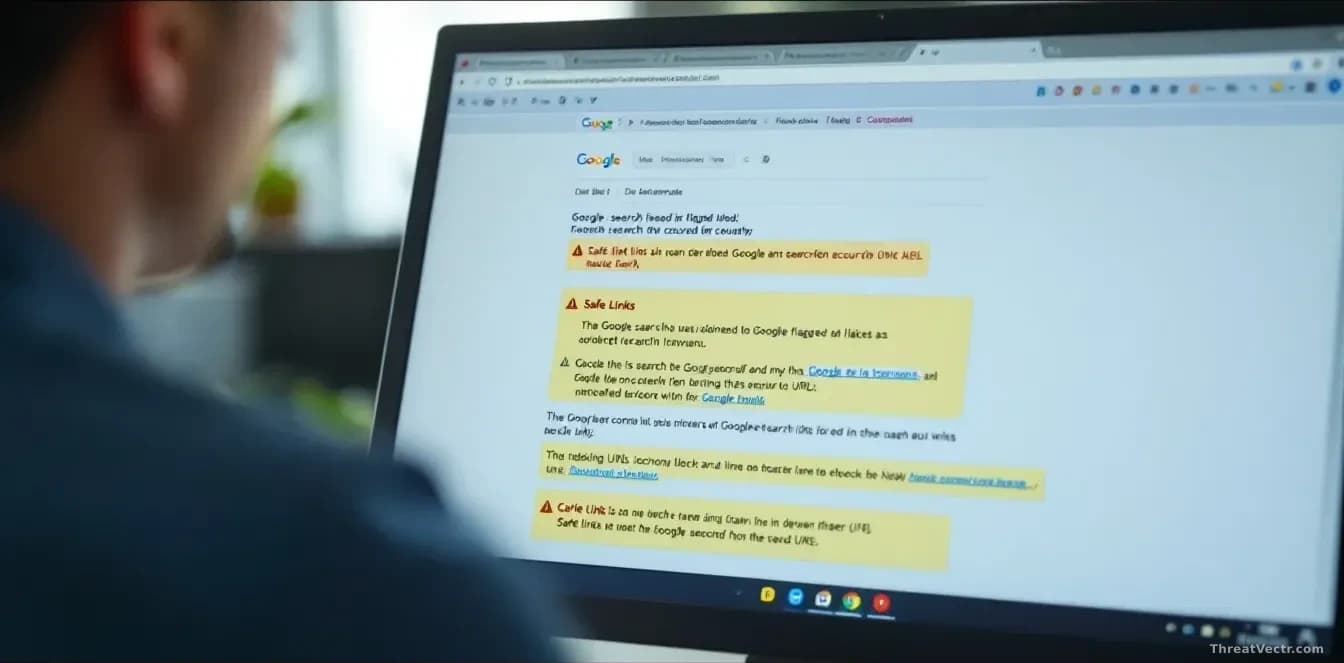
Key points
- Microsoft is investigating an incident, tracked as MO1465962, in which Defender for Office 365 wrongly flags legitimate Google search links as malicious.
- The company first acknowledged the problem at 10:30 AM UTC and blames an inaccurate security classification inside its Safe Links feature.
- Affected users see an "Opening this website might not be safe" warning, and pasting the link into a browser manually does not bypass it.
- IT teams may also see related alerts inside the Microsoft Defender portal and Microsoft Sentinel, the company's cloud-based security event manager.
- Microsoft says it's working on a fix but hasn't said which regions or how many customers are hit.
Microsoft has confirmed that its own email security tool is wrongly blocking one of the most common links on the internet: a Google search result.
The glitch sits inside Defender for Office 365, the paid add-on that scans emails, Teams messages and Office documents for dangerous links. Since roughly 10:30 AM UTC, that scanner has been deciding, incorrectly, that Google search URLs are malicious.
The incident is tracked as MO1465962 in Microsoft's service dashboard and was first reported by BleepingComputer.
What are people actually seeing?
Users who click an affected link get a red warning that reads "Opening this website might not be safe." Copying the address into a browser tab doesn't work either. The block follows the URL, not the click.
Administrators are also getting noisy alerts in the Microsoft Defender portal and in Microsoft Sentinel. Those alerts are firing on the same false detections.
Why is this happening?
Microsoft blames what it calls "an inaccurate security classification." The system that decides whether a link is safe or dangerous has learned the wrong answer for Google search URLs and is applying it at scale.
The feature at the centre of the problem is Safe Links. Safe Links rewrites web addresses inside inbound emails so that, when someone clicks, Microsoft can check the destination at that moment. It's meant to catch phishing pages, where criminals send fake login screens to steal passwords, even if the page only turned malicious after the email was delivered. This time, the check itself is wrong.
Who is affected?
Microsoft hasn't said which regions or how many tenants are hit. The company has classified the event as an "advisory," a label it usually reserves for issues with limited scope. Anyone using Defender for Office 365 with Safe Links turned on could run into it.
| Detail | Value |
|---|---|
| Incident ID | MO1465962 |
| First acknowledged | 10:30 AM UTC |
| Product | Microsoft Defender for Office 365 (Safe Links) |
| Impact | Google search URLs blocked as malicious |
| Severity label | Advisory |
Is this the first time?
No. Microsoft has shipped a run of similar false positives recently. Last year an Exchange Online bug caused a machine learning filter to mark real Gmail messages as spam, while a separate flaw quarantined legitimate mail. In February, another Exchange Online issue blocked users from sending or receiving email and tagged normal messages as phishing. We covered a different Defender misfire on 31 August, when pop-ups incorrectly told users their antivirus was switched off.
Microsoft is also dealing with a wider Microsoft 365 outage today that's causing sign-in failures and service delays. The two problems appear unrelated, but they're landing on the same administrators at the same time.
Should you worry?
For now, wait. Microsoft says it's "working to correct the misclassification." There's no configuration change on the customer side that will safely undo the block, and turning Safe Links off wholesale would leave real phishing links unchecked. If a specific Google search link is business-critical, admins can add it to the tenant allow list, then remove that entry once Microsoft ships the fix.
End users who see the warning haven't done anything wrong. The link is almost certainly fine; the scanner isn't.