Homebrew 7.0.0 ships a vulnerability scanner and locks down its sandbox
The macOS package manager now checks installed software against a public flaw database and blocks default access to your home folder.
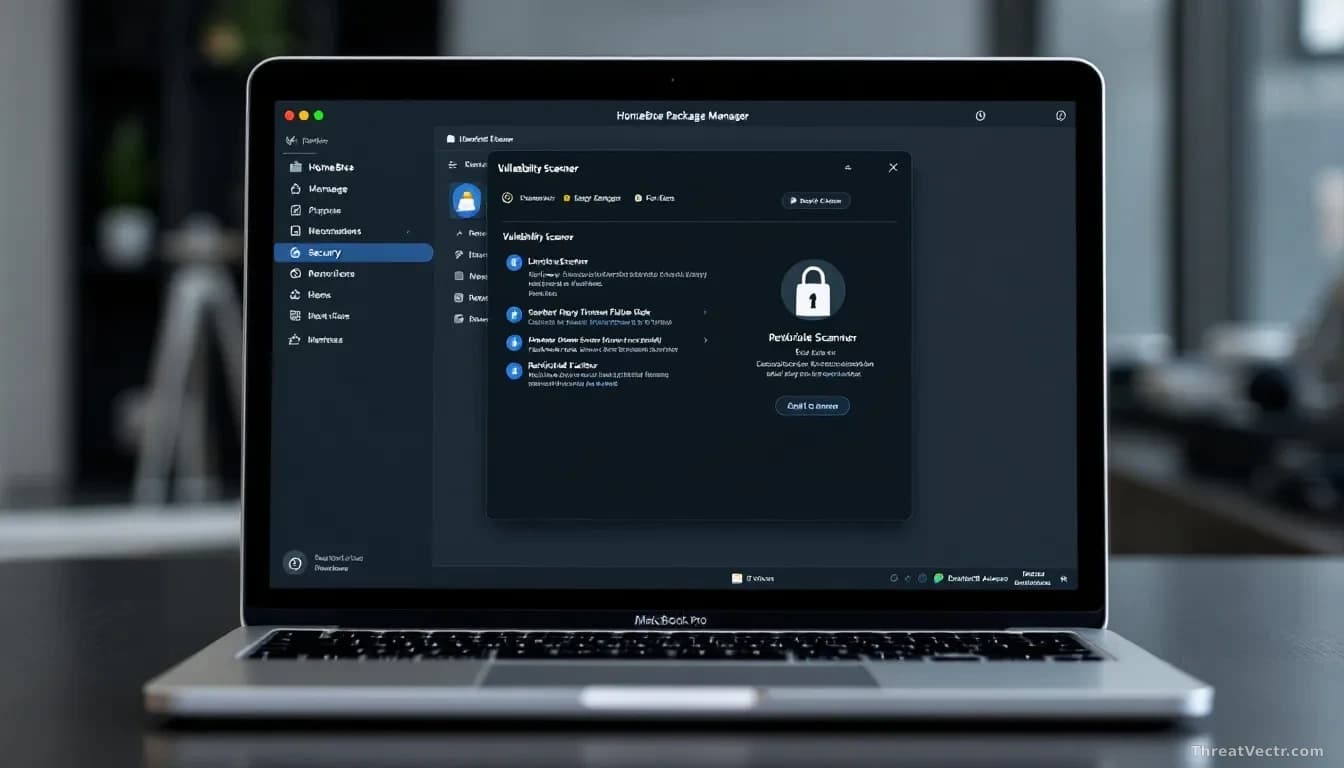
Key points
- Homebrew 7.0.0 shipped with a built-in vulnerability scanner run via a new
brew vulnscommand. - The release blocks package installers from reading a user's home folder by default.
- A native graphical app, BrewUI, is now available on macOS 26 "Tahoe" and later.
- Homebrew's GitHub project has roughly 49k stars and 11k forks, and has been repeatedly targeted by criminals pushing info-stealer malware.
- Vulnerability lookups are sent to the public OSV.dev database in a batch query and cross-checked against Homebrew's own patch records.
Homebrew, the free tool most Mac developers use to install software from the command line, has released version 7.0.0. The headline change is a built-in scanner that tells you whether any of the software you installed through it carries known security flaws.
That's a bigger deal than it sounds. Homebrew has become the default app store for developers on macOS, and until now it had no native way to warn you that the open-source tool you installed last year had since turned up in a public vulnerability list.
What actually changed in this release?
Three things: a new scanner command, tighter sandboxing (limits on what an installer script is allowed to touch on your Mac), and a proper graphical app for people who'd rather click than type.
The scanner runs when you type brew vulns. It can check every package you've installed, a specific package, or the list of packages defined in a project's Brewfile, the text file developers use to describe what their project needs.
Under the hood, Homebrew figures out where each package came from and what version you have, then sends that information to OSV.dev, Google's open vulnerability database. It pulls back any matching security advisories, filters by severity if you ask, and checks whether the Homebrew maintainers have already patched the issue on their end.
Homebrew is also publishing its own advisory database in the same OSV format, documenting fixes that were backported without bumping the upstream version number. Security teams can reuse that data freely under a CC0 licence. We've covered the OSV format before, first in May 2026, though first-party tooling that actually ships it to end users has been slow to arrive until now.
Does this fix Homebrew's malware problem?
Not really, and it wasn't designed to. The scanner tells you about flaws in legitimate packages. It doesn't stop the more common attack, where criminals set up a fake Homebrew website or a copy-and-paste lure (the ClickFix trick, where a bogus error message tells you to paste a command into your terminal) that installs an info-stealer, malware that collects saved passwords and browser cookies.
Homebrew's popularity has made it a repeat target for exactly this kind of impersonation. The new release doesn't change the install-from-a-random-website problem. Users still have to type the real domain themselves.
What the sandboxing change does help with is limiting the blast radius if a package turns out to be malicious. Installers no longer read your home directory by default, and the step that downloads files over the network is now separated from the step that installs them offline.
What Mac users should actually do
Update. Run brew update && brew upgrade to get to 7.0.0, then run brew vulns and see what comes back. Most people will have at least one flagged package, usually something old they installed and forgot about.
If you're on macOS 26 "Tahoe" or later and prefer a graphical view, the new BrewUI app lets you browse packages, inspect dependencies (the other software a package quietly pulls in), and manage installs without touching the terminal.
One honest note on scope: brew vulns only tells you what's known. A brand-new flaw, or a package that was outright malicious from day one, won't show up. Useful safety net. Not a guarantee.
My read: shipping a scanner and an official GUI in the same release is Homebrew growing up. Security teams at startups have been running homegrown scripts to do roughly what brew vulns now does natively. Making it a first-class command means it'll actually get run.