Fake X Login Alerts Are Being Used to Steal Your Password
Criminals are sending convincing 'new device login' emails to X users, hoping to harvest account credentials for follow-on fraud including crypto scams and phishing attacks.
Key points
- Criminals are sending fake security alert emails to X (formerly Twitter) users, impersonating the platform's own login-warning messages.
- The goal is credential theft, meaning stealing your username and password, which criminals then use to run scams from your account.
- Stolen X accounts are being used to push cryptocurrency scams and phishing attacks, where fake messages trick your followers into handing over money or passwords.
- There is no patch to apply here: this is a social-engineering attack, meaning it works by deceiving people rather than exploiting a software flaw.
- Any X user who receives an unexpected login-alert email should treat it as suspicious until proven otherwise.
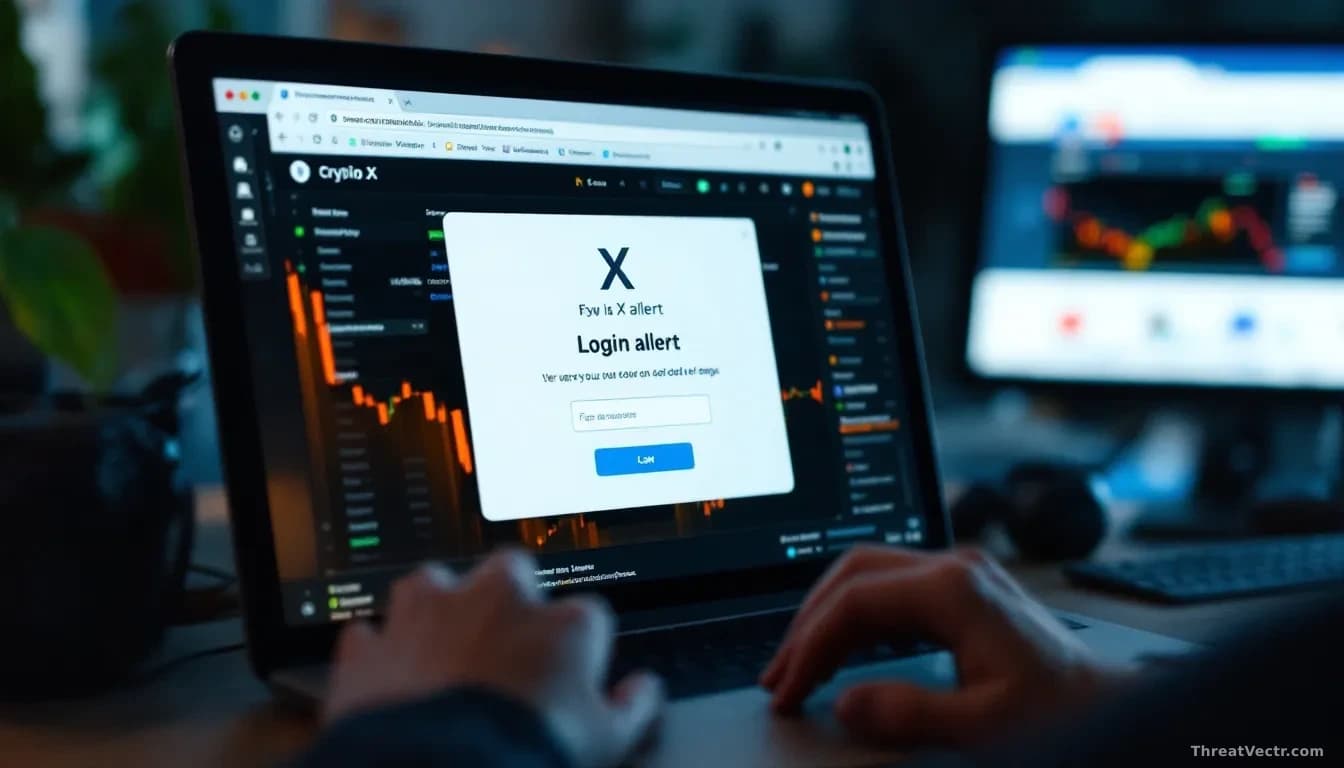
You get an email. It looks exactly like something X would send. "We noticed a login to your account from a new device. Was this you?" There is a button. You click it.
That click is what the criminals are counting on.
As The Guardian Technology reported, fraudsters are sending fake versions of X's genuine security-notification emails, copying the real thing almost perfectly in wording and layout.
The link inside doesn't go to X. It leads to a fake login page designed to look identical to X's real sign-in screen. Type in your credentials, and the criminals collect them silently, then redirect you to the real X site so you notice nothing.
So what do the criminals actually want your X account for?
They want an audience they didn't have to build. An established account with real followers is a ready-made megaphone for scams.
The two most common plays: cryptocurrency fraud, where the hijacked account posts fake investment opportunities, and phishing, where it sends messages to your followers asking them to hand over their own passwords. Your followers trust you. That trust is the product being sold. This pattern isn't new; we reported in July on two ClickFix campaigns that used the same no-exploit, pure-deception approach to strip browser credentials from workers.
Should you worry?
Yes, if you click links in login-alert emails. The defence is simple: don't. Open a fresh browser tab, go to x.com by typing the address yourself, and check your security settings directly.
Turn on two-factor authentication, which requires a second proof of identity, usually a code sent to your phone, before anyone can log in even with your password. A stolen password alone becomes useless.
If you reuse your X password on other sites, change all of them now. A password manager, one that creates and stores a strong unique password for every site, removes most of that risk. Free options exist alongside paid ones.
Check your sent messages and recent posts if you think your account was compromised. Report anything suspicious through X's help centre directly.



