Fake Spotify Payment Emails Are Stealing Card Details From Real Subscribers
Criminals are sending convincing payment-failure notices that lead Spotify users to copycat websites designed to harvest login credentials and credit card numbers.
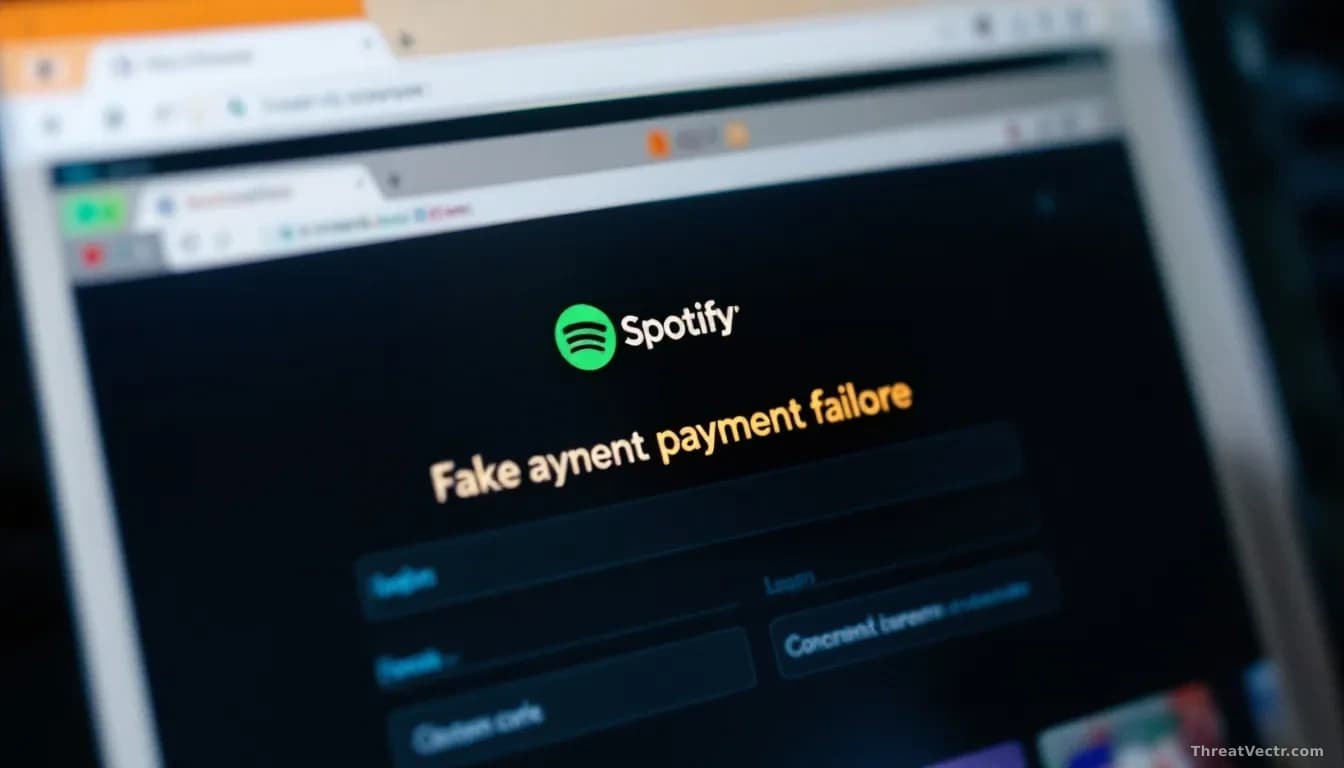
Key points
- Criminals are sending fake Spotify emails claiming a subscriber's payment has failed, then directing victims to a cloned website that steals personal and financial details.
- The scam exploits a specific anxiety: subscribers whose card is near expiry find the fake warning entirely plausible.
- The copycat site collects login credentials, personal information, and full payment card details.
- Anyone who entered details on such a site should contact their bank and change their Spotify password without delay.
Your Spotify subscription renews quietly each month. Then one day an email arrives saying the payment didn't go through.
The logo's right. The wording sounds exactly like Spotify: "We encountered an issue while processing your recent payment. To keep your access active, please review and update your information." Your card does expire soon. You click the link.
That is exactly what criminals are counting on.
What is actually happening here?
Phishing is the term for a fake email crafted to impersonate a trusted brand and trick you into surrendering sensitive information. The link in these messages doesn't go to Spotify. It goes to a cloned site, a near-identical copy of Spotify's login or payment page, built to capture whatever you type.
First reported by The Guardian, the scam works because it targets a specific, believable moment: the window when a subscriber's card is approaching expiry. That timing isn't accidental. A payment-failure message sent during this window feels routine rather than suspicious.
Once the criminals have your password and card number, they can drain a linked bank account, run up charges, or sell the details to other fraudsters. We covered a structurally identical campaign in July, when criminals impersonating LastPass and Bitwarden pushed users toward bogus DocuSign pages, and the playbook here is the same: a trusted brand, a plausible urgency, a cloned destination.
Should I be worried if I got one of these emails?
If you clicked and entered any details, act now. Call your bank, report that your card details may be compromised, and ask for a replacement. Most banks can freeze the card and issue a new one within days.
Change your Spotify password immediately. If you reuse that password elsewhere, especially on your primary email account, change those too. Criminals rely on password reuse, and they'll try it.
Opened the email but didn't click or type anything? You're almost certainly fine.
How do I spot a fake payment email?
Check the sender's address, not just the display name. Genuine Spotify emails come from a @spotify.com domain. Extra words, hyphens, or a different domain altogether are a warning sign.
Before clicking any link, hover your mouse over it and look at the address that appears. On a phone, press and hold to preview it. If it doesn't start with spotify.com, don't click.
When in doubt, skip the email and go to Spotify's site directly by typing the address into your browser. If there's a real payment problem, your account will show it.
Common questions
Can Spotify tell me if an email I received was real?
Yes. Spotify has a support page where you can check whether a message genuinely came from them. You can also forward suspicious emails to their security team.
What if I already entered my details?
Contact your bank immediately to report a potential card compromise and request a replacement. Change your Spotify password and any other account sharing that password, starting with your primary email.



