Fake Job Interviews Are Stealing Google and Facebook Logins
A phishing operation called RecruitTrap uses realistic pop-up windows to grab passwords and one-time codes from job seekers.
Key points
- CTM360 has identified more than 3,000 phishing web addresses used in a recruitment scam it calls RecruitTrap.
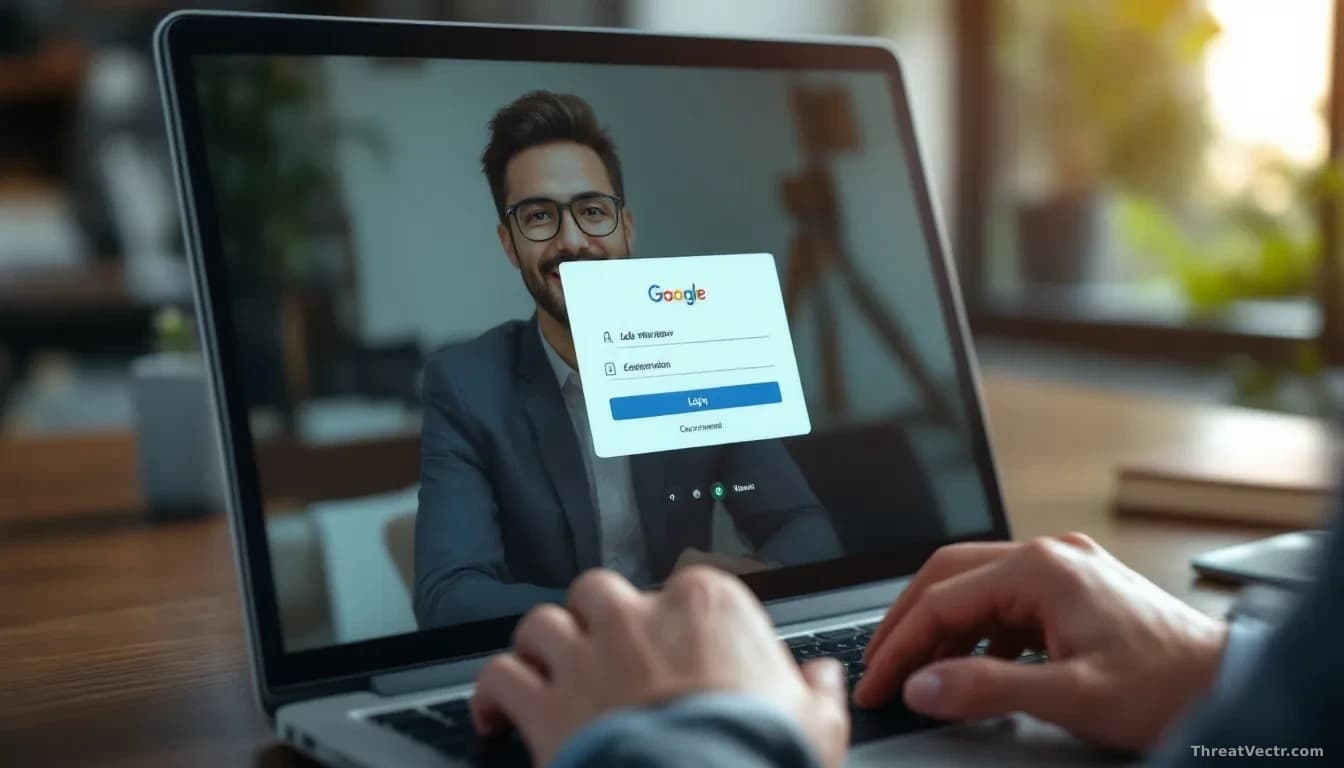
- The scam lures people with fake interview invitations, then shows a counterfeit Google or Facebook login window drawn inside the attacker's own page.
- The more advanced pages can pass a victim's multi-factor code to the real site in real time, letting the criminals walk straight in.
- Job seekers on LinkedIn, WhatsApp and email have been targeted worldwide, across recruitment and freelance work.
- The trick, known as Browser-in-the-Browser, is very hard to spot with the naked eye.
Security firm CTM360 has uncovered a global phishing operation aimed at people looking for work. It dresses up as a friendly recruiter and ends with the victim's Google or Facebook account in someone else's hands.
CTM360's RecruitTrap report counts more than 3,000 web addresses tied to the campaign. That number tells you this isn't a small side hustle. It's an assembly line.
How does the scam actually work?
Criminals contact people through LinkedIn, WhatsApp and email, posing as recruiters offering interviews or freelance gigs. Victims are sent to a slick scheduling page that looks like a normal booking tool. To confirm the appointment, the page asks the victim to sign in with Google or Facebook.
Up pops what looks like the familiar Google login window, complete with address bar and padlock. It isn't a real window. It's drawn inside the attacker's page using ordinary web code, a trick researchers call Browser-in-the-Browser (BitB). The technique fools people because the fake window can be dragged around the screen and shows a convincing web address at the top. Anything the victim types goes straight to the criminals.
We first reported this technique being used in job-interview lures on 6 July, when a crew was impersonating more than 30 major brands to steal Gmail passwords from marketing staff.
What about two-step login codes?
Some pages go further and defeat two-step logins in real time. The moment a victim types their password, the attackers feed it into the real Google or Facebook site from their own server. That site sends the victim a one-time code, and the fake page asks for it. When the victim types it, the attackers relay it within the few seconds it stays valid. They're now signed in.
This live relay attack, sometimes called adversary-in-the-middle, is exactly why the industry has been pushing passkeys: login credentials tied to your specific device that can't be typed into a fake box. A standard six-digit text or app code can be phished. A passkey can't.
Who is being targeted?
Job hunters and freelance contractors across many countries. The lures lean on urgency and on the emotional weight of a job offer, which is exactly the state in which people click without thinking.
Once inside a Google or Facebook account, criminals can read private messages, reset other accounts through password-recovery emails, and, in Facebook's case, hijack business advertising accounts to run scam ads on someone else's card.
What should ordinary people do?
| Sign of trouble | What to do |
|---|---|
| A recruiter you didn't apply to | Verify the company on its official site before clicking |
| A login window appearing inside another web page | Close it and sign in to Google or Facebook directly in a new tab |
| Requests to confirm your identity with a code | Don't type a one-time code into a page you reached from a message |
| Your account supports passkeys | Turn them on in your Google or Facebook security settings |
If you think you were caught out, sign in from a trusted device, change the password, revoke unfamiliar app access, and check your email for password-reset messages from your bank and other services. That's where the criminals head next.
The real watch point here is the MFA relay. The BitB window is clever stagecraft, but it's the live credential-forwarding that makes this campaign genuinely dangerous: it collapses the window of protection that most people assume they still have.