Fake COLDCARD 'Security Audit' Emails Push Remote Access Tool After $88M Bitcoin Theft
A phishing campaign impersonates the hardware wallet maker, tricks owners into installing ScreenConnect, and hands attackers full control of the victim's PC.
Key points
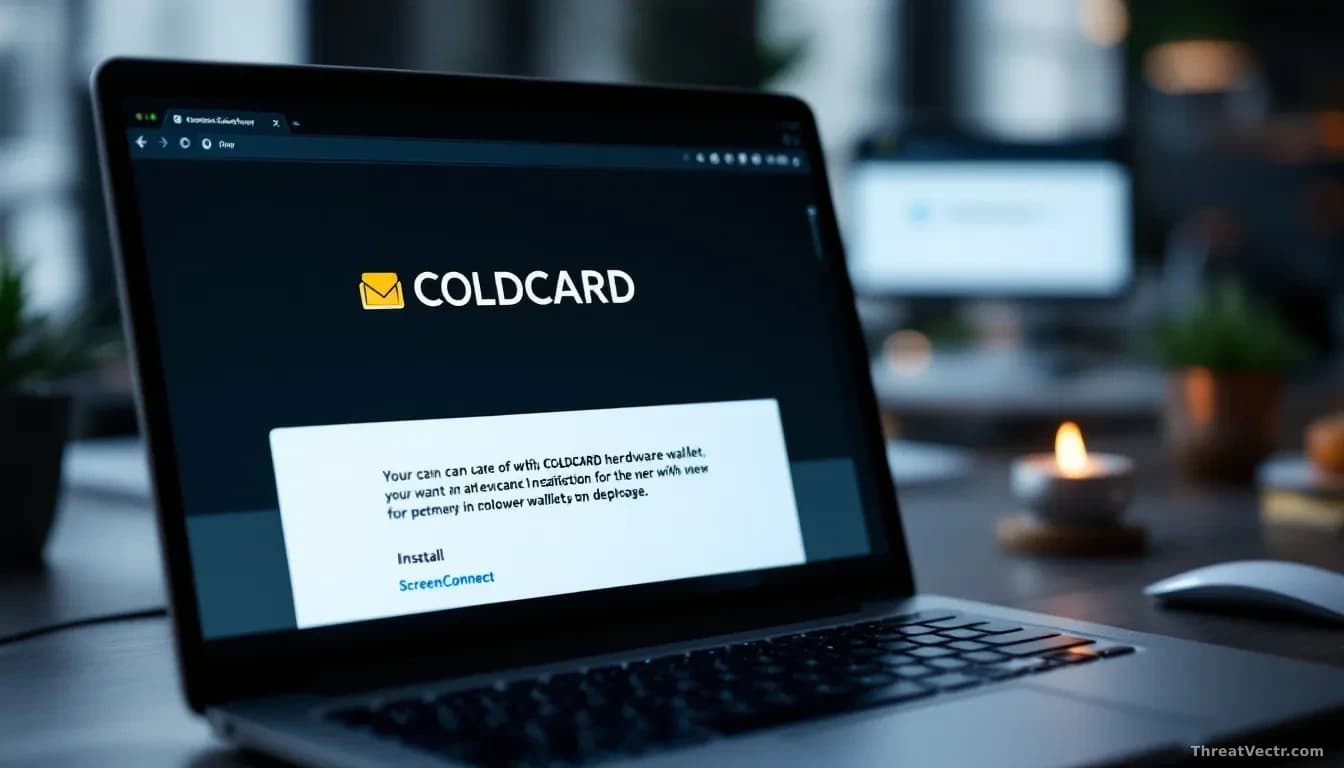
- Proofpoint uncovered a phishing campaign impersonating hardware wallet maker COLDCARD with fake "security audit" emails sent from compliance@coldcardteamnews.com.
- The lure references a real theft of roughly 1,367 Bitcoin, worth about $88.6 million, drained from 4,585 addresses through a suspected random number generation flaw.
- Victims who click through download a 25.7MB batch file, Coldcard_Diagnostic_Tool.bat, hosted on GitHub, that secretly installs ConnectWise ScreenConnect.
- The fake site coldcardcompliance.com includes a live chat, likely staffed by real people, walking victims through accepting the Windows admin prompt.
- Once ScreenConnect connects to activeretirementrelocation[.]com, attackers can empty wallets, push ransomware or steal data outright.
Criminals are using fear of a real Bitcoin heist to break into people's computers.
A phishing campaign spotted by Proofpoint is targeting owners of COLDCARD hardware wallets, the small physical devices used to store Bitcoin offline. The emails pretend to come from COLDCARD and claim a "coordinated security audit" is underway across all device revisions. It's a lie designed to get the recipient to install remote control software on their own PC.
The timing is deliberate. Attackers recently drained around 1,367 Bitcoin, roughly $88.6 million, from 4,585 addresses in what researchers believe was a random number generation flaw: the devices produced predictable secret keys that outsiders could guess. Wallet owners are jumpy, and the phishing crew is counting on it. We first covered the underlying firmware vulnerability on 1 August, when the loss estimate was closer to $70 million; it's grown since.
What does the phishing email look like?
The emails carry the subject "Hardware audit now available" and tell recipients they must verify their device's integrity by August 10. A button labelled "Access the Audit Tool" leads to coldcardcompliance.com, a lookalike site that impersonates the real vendor.
The fake site reassures visitors that the process is "air-gapped" and won't ask for their recovery seed, the master phrase that controls a crypto wallet. That reassurance is the hook. It sounds like exactly what a cautious owner wants to hear.
There's also a live customer service chat. Proofpoint believes real humans are on the other end. When one victim reported "a black window and an administrator prompt," the operator calmly told them to click Yes.
How does the attack actually work?
Clicking "Start Hardware Audit" downloads a 25.7MB batch file called Coldcard_Diagnostic_Tool.bat from a GitHub account. BleepingComputer found two Base64-encoded payloads hidden inside it.
The script pretends to run a diagnostic. Behind that display, it checks for admin rights, uses PowerShell to trigger a User Account Control prompt if needed, then drops two files into a Windows temp folder: setup.msi and docusign.exe.
Docusign.exe is a legitimate signed DocuSign printer driver, used purely as a decoy so the victim sees something plausible finish installing. Setup.msi is the real threat: a ConnectWise ScreenConnect installer that gives an outsider full control of the machine. ScreenConnect is a legitimate remote support product; that's precisely why antivirus software tends to ignore it, a pattern our 4 August story on the Smoke#Screen campaign documented.
Once running, the installer phones home to activeretirementrelocation[.]com. From that point the attackers can watch the screen, drain wallets or deploy ransomware, software that locks a computer's files until a payment is made.
What should COLDCARD owners do?
Ignore any email claiming COLDCARD is running a security audit. No legitimate hardware wallet vendor asks you to install a Windows tool to "verify" a device designed to be offline.
| Sign | What it means |
|---|---|
| Sender domain coldcardteamnews.com | Not the real COLDCARD domain |
| Site coldcardcompliance.com | Fake, do not visit |
| Batch file Coldcard_Diagnostic_Tool.bat | Malicious dropper |
| Callback activeretirementrelocation[.]com | ScreenConnect command server |
If you already ran the file, disconnect the computer from the internet, remove ScreenConnect through Add/Remove Programs, and move any crypto to a new wallet from a clean device.
The detail worth watching here isn't the malware, it's the live chat. Staffing a help desk to coach hesitant victims through a UAC prompt takes money and nerve, which suggests whoever is behind this expected significant resistance and planned for it.