ClickLock Stealer Tricks Mac Users Into Handing Over Their Own Passwords
A newly discovered piece of Mac malware skips the usual hacking tricks and simply persuades victims to run it themselves, then locks the screen until they surrender their passwords.
Key points
- Cybersecurity firm Group-IB discovered ClickLock Stealer in early June 2025, with evidence it has been active since at least late May.
- The malware has hit at least 100 victims across 33 countries, with more than half of those victims located in Europe.
- ClickLock Stealer steals saved passwords, cryptocurrency wallet details, and browser data, then sends everything to the attackers via Telegram.
- The malware works entirely through deception: victims copy and paste a command themselves, so no hacking exploit is needed.
- A six-hour background loop suppresses Mac security warnings by repeatedly shutting down Apple's notification system.
Most malware breaks in. ClickLock Stealer knocks politely and waits for you to open the door.
The malware, which targets computers running macOS (Apple's desktop and laptop operating system), was uncovered by Group-IB in early June 2025. Researchers believe criminals set up fake web pages disguised as Cloudflare verification screens, the familiar "I'm not a robot" style checks many websites use. Visitors are told to copy a bash command and paste it into their Mac's Terminal, a text-based window that lets users run direct commands on their computer. Pressing enter downloads and launches the malware. ClickFix, the social-engineering technique behind this approach, is now a thriving criminal marketplace; we covered it on 14 July.
Because the victim runs the command themselves, macOS has no reason to object. No exploit, no vulnerability needed.
Once inside, ClickLock Stealer fetches four separate scripts: a credential stealer, a cryptocurrency stealer, a Keychain stealer targeting Apple's built-in password vault, and a backdoor installer that leaves a hidden entry point for the criminals to return later. The other three scripts delete themselves after harvesting their data.
How does it steal your password if you never type it in?
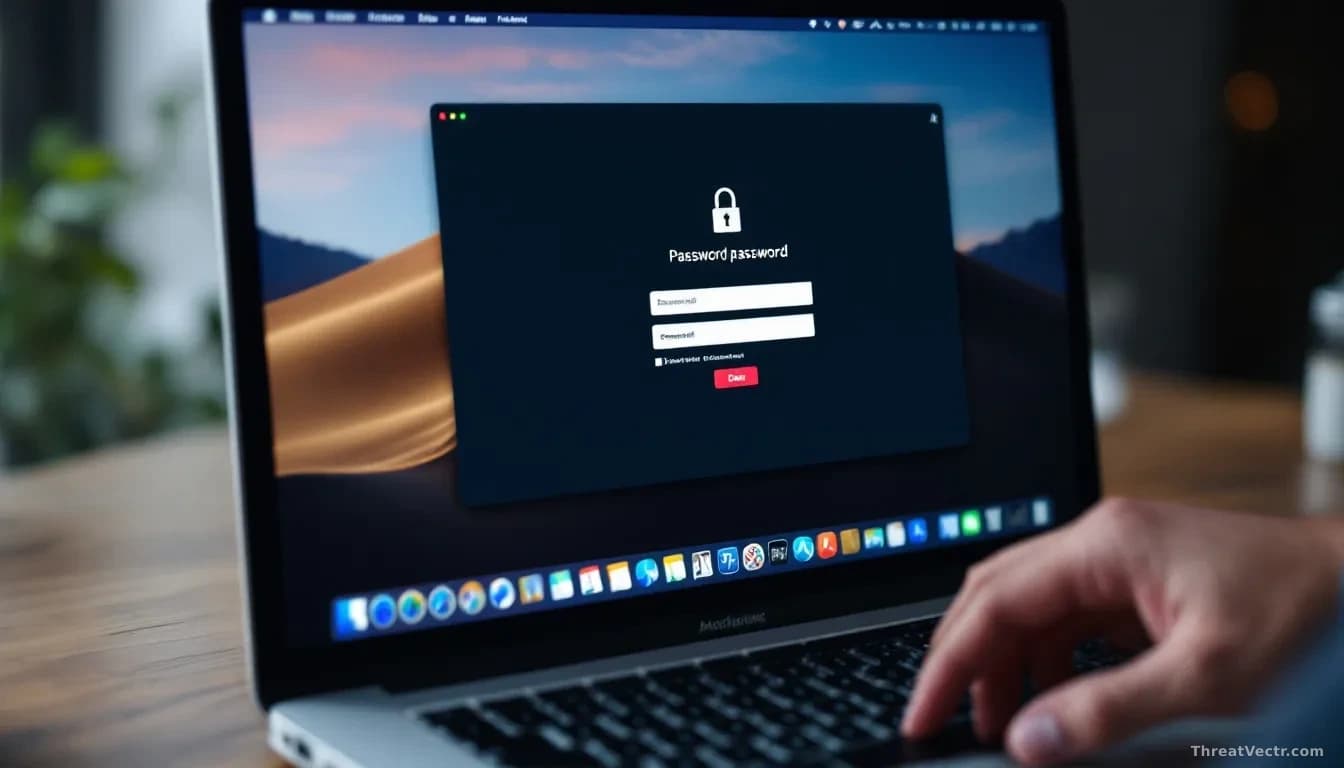
It waits you out. The malware throws up a fake macOS password dialog that looks identical to the real thing, then kills every other visible application until you type your password. A background process simultaneously shuts down Apple's NotificationCenter, the system that delivers security warnings, for approximately six hours, so no alert ever reaches the victim.
When the malware needs the Keychain to grab Chrome's stored passwords, it triggers another realistic-looking permission prompt and again kills everything else until the user agrees.
All stolen data, including browser passwords, cryptocurrency addresses from six blockchain networks, FTP credentials (login details for transferring files online), and command-line history, gets bundled into a compressed file and sent to a Telegram bot controlled by the criminals.
Security Week first reported on ClickLock Stealer's discovery.
Should you worry?
If you own a Mac and recently followed instructions on a website to paste something into Terminal, treat that as a red flag. Check your login items in System Settings for anything unfamiliar, change your Apple ID password, and contact your bank if you stored financial logins in Chrome or Safari. You don't need technical knowledge to fall for this. The whole attack is designed to look routine, and that is exactly what makes it dangerous.