AnonyMousKIT: the phishing kit that turns stolen iPhones back into cash
A subscription service is helping thieves trick iPhone owners into handing over the codes needed to disable device locks, with AI-powered phone calls doing much of the work.
Key points
- AnonyMousKIT is a phishing-as-a-service platform rented by the month and active since early 2024.
- The operation is tied to 506 domains and 168 reseller storefronts, according to SOCRadar research.
- A voice AI agent placed 200 calls to victims between August 2025 and May 2026, roughly 90% of them to numbers in Brazil.
- Victims are tricked into handing over their iPhone passcode, Apple Account credentials and two-factor code, letting thieves wipe stolen phones and sell them.
- Campaigns concentrated in South Africa, Indonesia, Italy, India, Kenya and Brazil, with a share reaching government and corporate inboxes.
A phishing service called AnonyMousKIT is running a small industry around stolen iPhones. It automates the one thing thieves need most: getting the real owner to surrender the codes that keep a stolen device locked.
Think of AnonyMousKIT as a rental toolkit for criminals. The operators build the fake Apple websites, the scripted phone calls and the messaging templates. Resellers pay to use it, then run their own scams on top. Researchers at threat intelligence firm SOCRadar, whose findings were first reported by BleepingComputer, traced the platform to 506 domains and 168 storefront brands acting as resellers.
Why do thieves need the owner's help at all?
Apple built a lock that only the original owner can open. When Find My is switched on, an iPhone automatically activates Activation Lock, a feature tying the phone to its owner's Apple Account. Factory-resetting the device doesn't remove that link. Without the owner's passcode and Apple ID, a stolen iPhone is worth only its parts.
Get the codes and the resale value jumps. Recover the owner's personal data too, and it climbs again.
How does the scam actually work?
When an owner marks their phone as lost, they usually leave a contact number or email on the screen through Apple's Lost Mode. That detail is what the criminals harvest.
The victim then gets an SMS or WhatsApp message, or an email, that looks like it comes from Apple, saying the missing phone has been found. To seem convincing, the message quotes the correct model and IMEI, the phone's unique serial-style identifier.
A link leads to a fake Find My or Apple sign-in page. The victim enters their passcode, Apple ID and two-factor code. All of it flows to the thieves.
Where do the AI phone calls fit in?
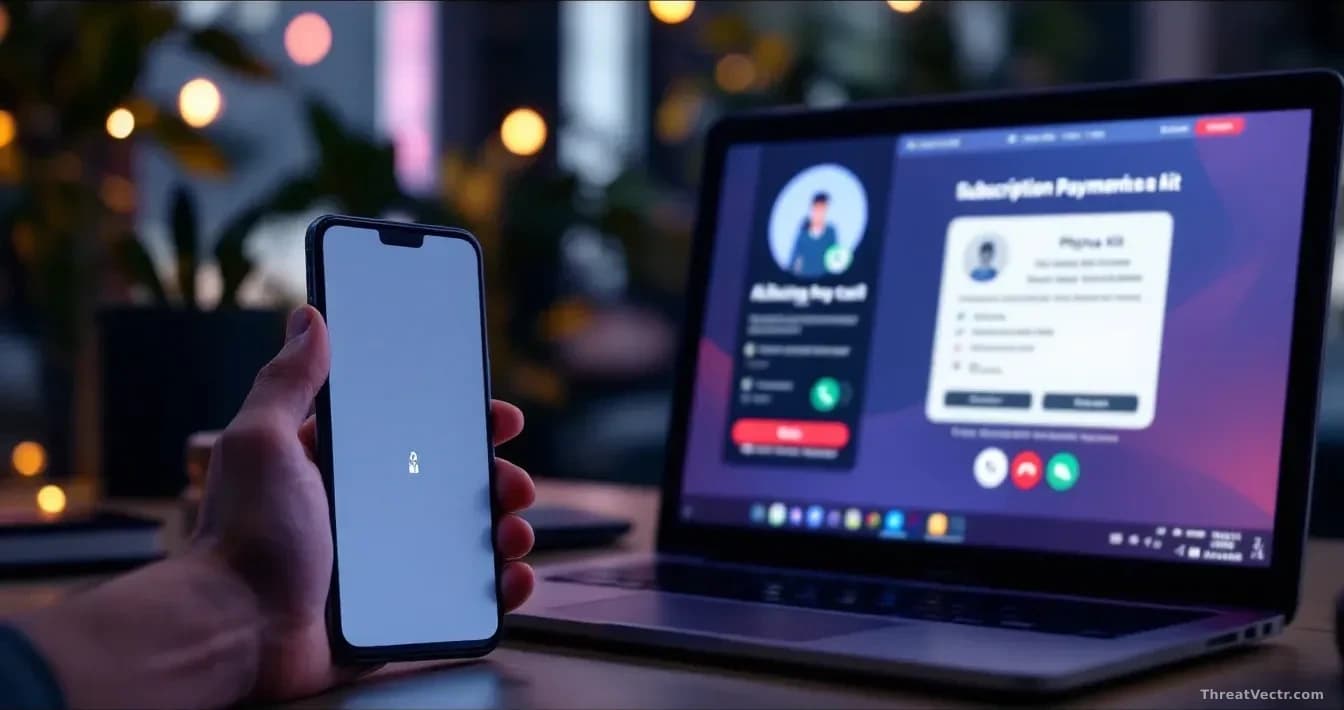
SOCRadar recovered records of 200 calls placed between August 2025 and May 2026. A voice AI agent handled them, using five different personas and 55 scripted conversations. One persona, "Alice from Apple Support," tells the victim that someone tried to have their phone unlocked at an Apple store and staff held onto it. To confirm ownership, Alice asks for the passcode, then sends the victim to the phishing page.
Each call costs the operator around 10 cents. This platform is the subject of our first coverage on AnonyMousKIT, which we published 25 August 2026; it sits alongside a broader wave of iPhone-targeting activity we've tracked this summer, including Apple's August spyware alerts.
Who is being targeted?
Mostly ordinary iPhone owners in South Africa, Indonesia, Italy, India, Kenya and Brazil. A smaller share of phishing emails landed in government and corporate mailboxes. That matters because a hijacked Apple ID can expose iCloud backups, saved passwords in Apple's Keychain and work email on company-issued iPhones.
What should iPhone owners do?
Apple won't phone you and ask for your passcode. Neither will an Apple store. If you lose a phone and get a message saying it's been found, don't click the link. Open the Find My app directly, or go to iCloud.com in a browser you already trust.
Any call or message asking for your device passcode is a scam, regardless of how much detail the caller seems to know. The IMEI and model number appear on the box, in your Apple Account and often on a lost phone's lock screen. Knowing them proves nothing.
If you've already handed over your codes, change your Apple ID password from another device, sign out of all sessions and contact Apple Support directly.
The real story here isn't the AI voice calls, which are a cosmetic addition. It's the reseller network: 168 storefronts means this is industrialised, and the people running individual campaigns aren't the hardest part to find or shut down.