737 Fake VPN Extensions in Chrome Store Quietly Hijacked Browsers
The free browser add-ons promised to unblock websites for Russian speakers. Instead they routed every page a user visited through servers the operators controlled.
Key points
- Researchers found 737 free VPN and proxy extensions in the Chrome Web Store that secretly routed users' browser traffic through servers run by the operators.
- The extensions were published across at least 40 developer accounts and collected 75,486 installs between them.
- 274 of the add-ons impersonated 66 real VPN brands to appear trustworthy.
- The campaign mainly targeted Russian-speaking users trying to reach services blocked in their country.
- Anyone who installed one of these tools should remove it now and change passwords for sensitive accounts.
A sprawling network of fake privacy tools has been sitting inside Google's own Chrome Web Store, quietly funnelling users' web traffic through servers controlled by strangers.
Security researchers counted 737 free VPN and proxy extensions doing this. A VPN, short for virtual private network, is a tool that's supposed to hide what you do online by sending your traffic through a private tunnel. A proxy does something similar, acting as a middleman between your browser and the sites you visit. Both only work if you can trust whoever runs the servers on the other end.
In this case, you very much could not.
Who was targeted?
The campaign went after Russian-speaking internet users trying to reach websites blocked inside Russia. That's a large, motivated audience: streaming services and social networks have been cut off in the country for years, and free VPN extensions are the easiest workaround most people know.
The operators knew their market. They published in Russian, promised unlimited free access, and named their tools after brands people already recognised.
How did the extensions fool people?
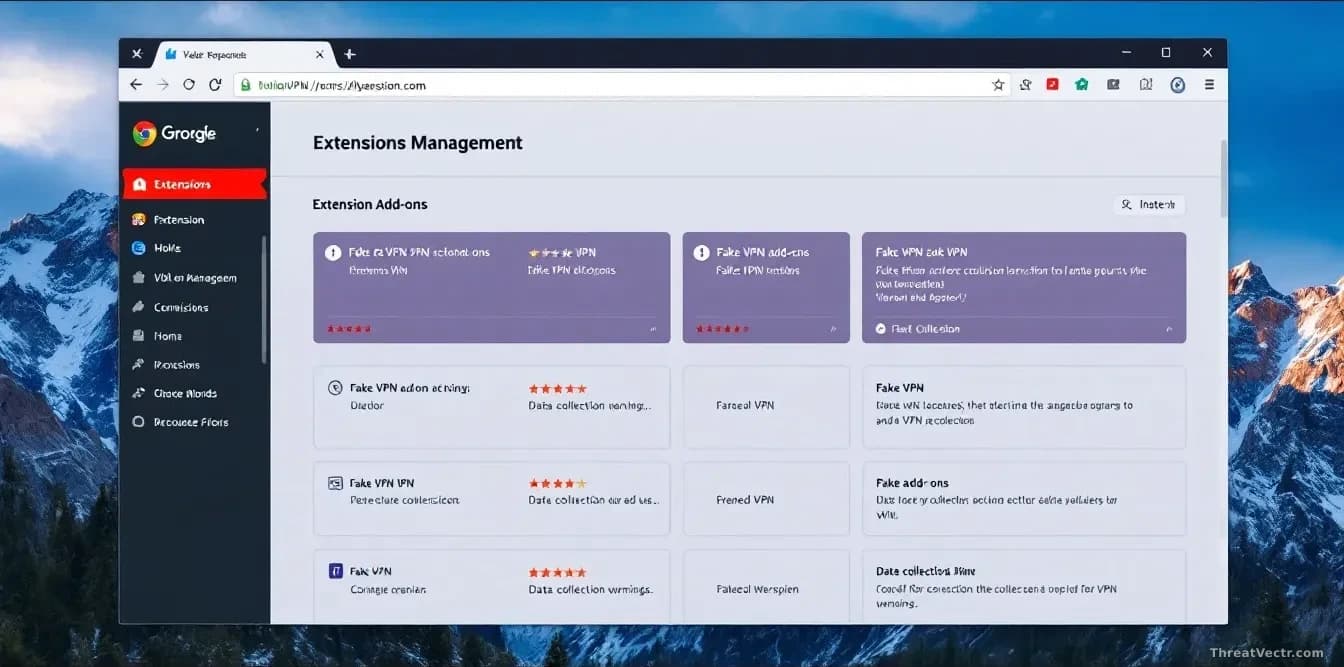
Of the 737 add-ons found, 274 impersonated 66 real VPN brands, copying names and store listings closely enough to pass a quick glance. As reported by The Hacker News, the fakes were spread across at least 40 separate developer accounts in the Chrome Web Store, which makes takedowns slower and lets the operators rebuild quickly when one account is banned.
Between them, the extensions were installed 75,486 times. We first covered this pattern of counterfeit extensions on 4 August 2026, when 77 fake developer tools on Open VSX quietly mapped coders' machines for a week by copying real names from established vendors before phoning home to a freshly registered domain.
| Detail | Figure |
|---|---|
| Malicious extensions found | 737 |
| Total installs | 75,486 |
| Extensions impersonating real brands | 274 |
| Legitimate brands copied | 66 |
| Developer accounts used | 40+ |
What could the operators actually see?
Once installed, a Chrome extension with the right permissions can read every page you load, every form you fill in, and every cookie your browser holds. A cookie is a small file a website uses to remember you're logged in, so stealing one can be as good as stealing your password.
Routing traffic through the attacker's own proxy makes this even easier. Every request your browser makes passes through their infrastructure first, including requests to your webmail or your employer's login page.
This is an identity problem more than a privacy one. The extensions didn't need to crack any authentication, meaning the process of proving you are who you say you are. They sat inside the browser after you'd already logged in, which is a much better seat.
MFA, the extra approval prompt on your phone, stops someone logging in as you from a new device. It doesn't stop someone reading your session from inside your own browser. Hardware-bound session tokens, the direction the industry is slowly moving in, would.
What should you do if you installed one?
Open Chrome, go to Extensions, and remove anything you don't clearly recognise, especially free VPN or proxy tools installed in the last year. Then change the passwords on your important accounts (email first, then banking, then anything with payment details saved) from a different device if you can. Turn on multi-factor authentication anywhere it's offered.
If a free tool promises to unblock the whole internet at no cost, someone is paying for those servers. Usually it's you, in data.